New
Your AI agent can now send files
Add size charts, catalogs, menus or how-to videos to your agent. When a customer asks for one, the agent sends the right file in the chat.
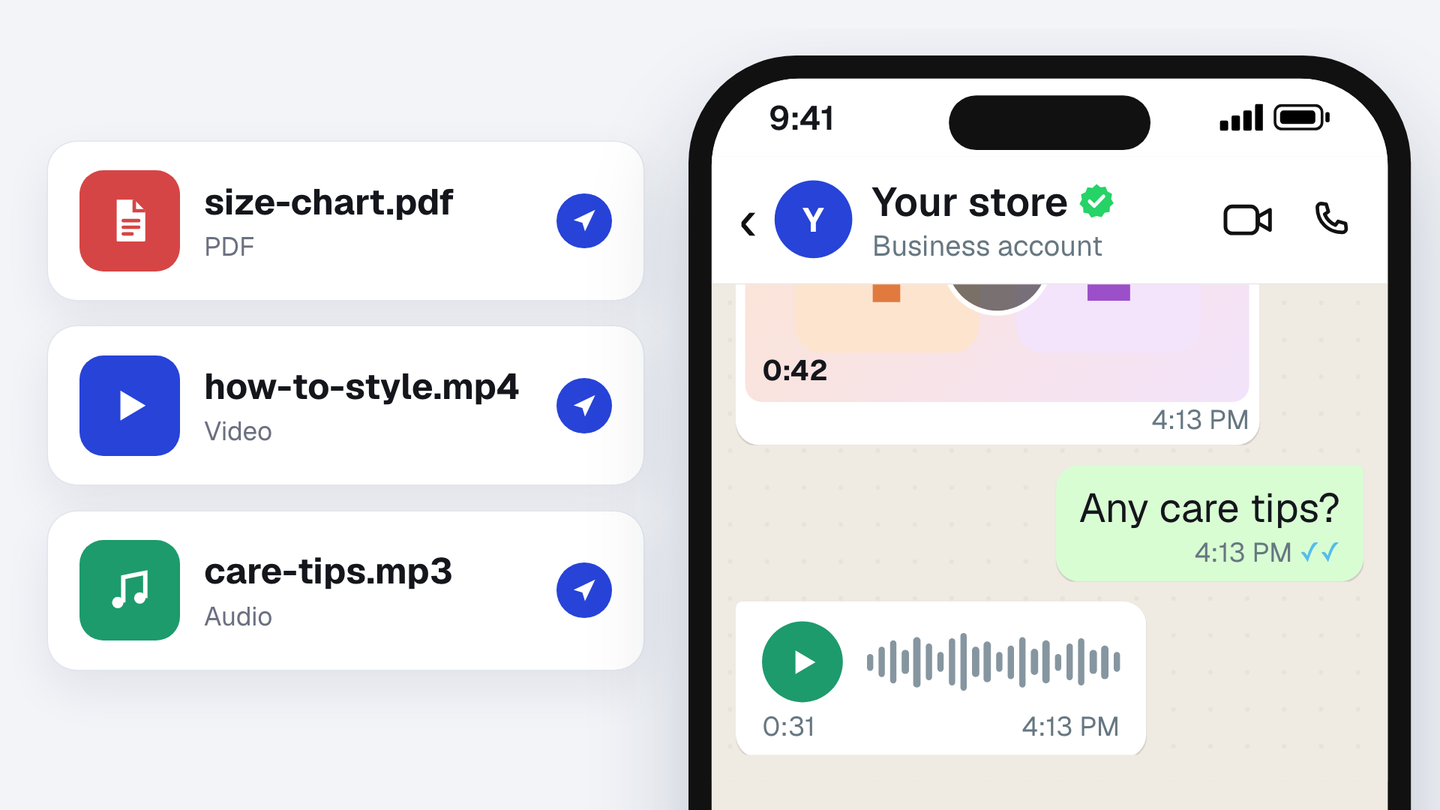
Add your size charts, catalogs, menus, brochures or how-to videos to your agent’s Knowledge and switch on Can send. When a customer asks for one, the agent sends the right file in the chat. It works with pictures, PDFs, videos and voice notes too.
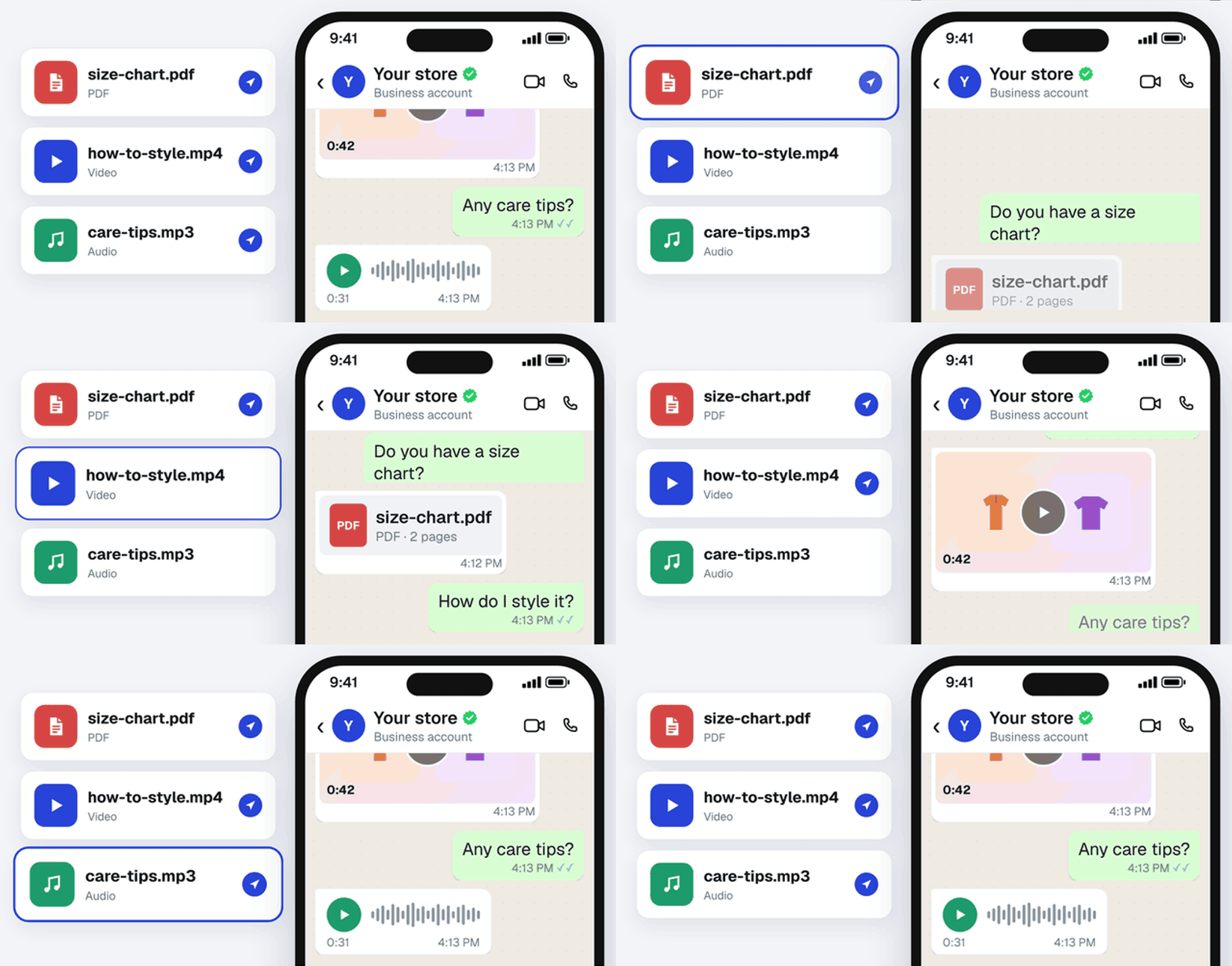
Set it up
- In Spur, go to AI Agents and open your agent.
- Open Knowledge, then Files, and add your files.
- Switch on Can send for each file the agent may share. You can mark up to 100 files.