Improvement
See and export the orders Spur brought in
A new Orders page lists the orders your Spur automations and marketing brought in, and exports them as a CSV. Workflow results and tags moved into the new Spur too.
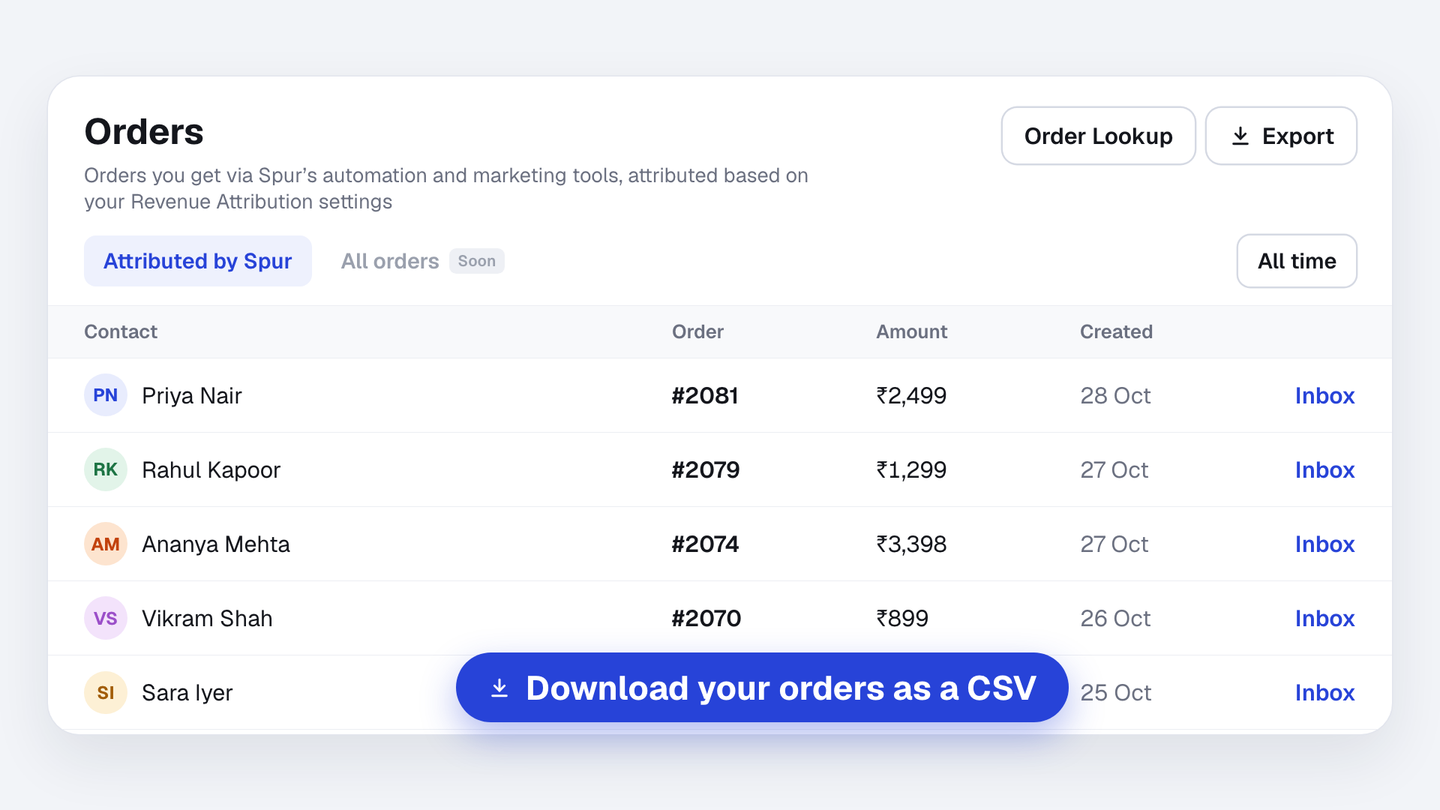
The new Orders page, under Audience, lists every order your Spur automations and marketing brought in, with the customer, order number, amount and a link to their chat. Pick a period and export it as a CSV.
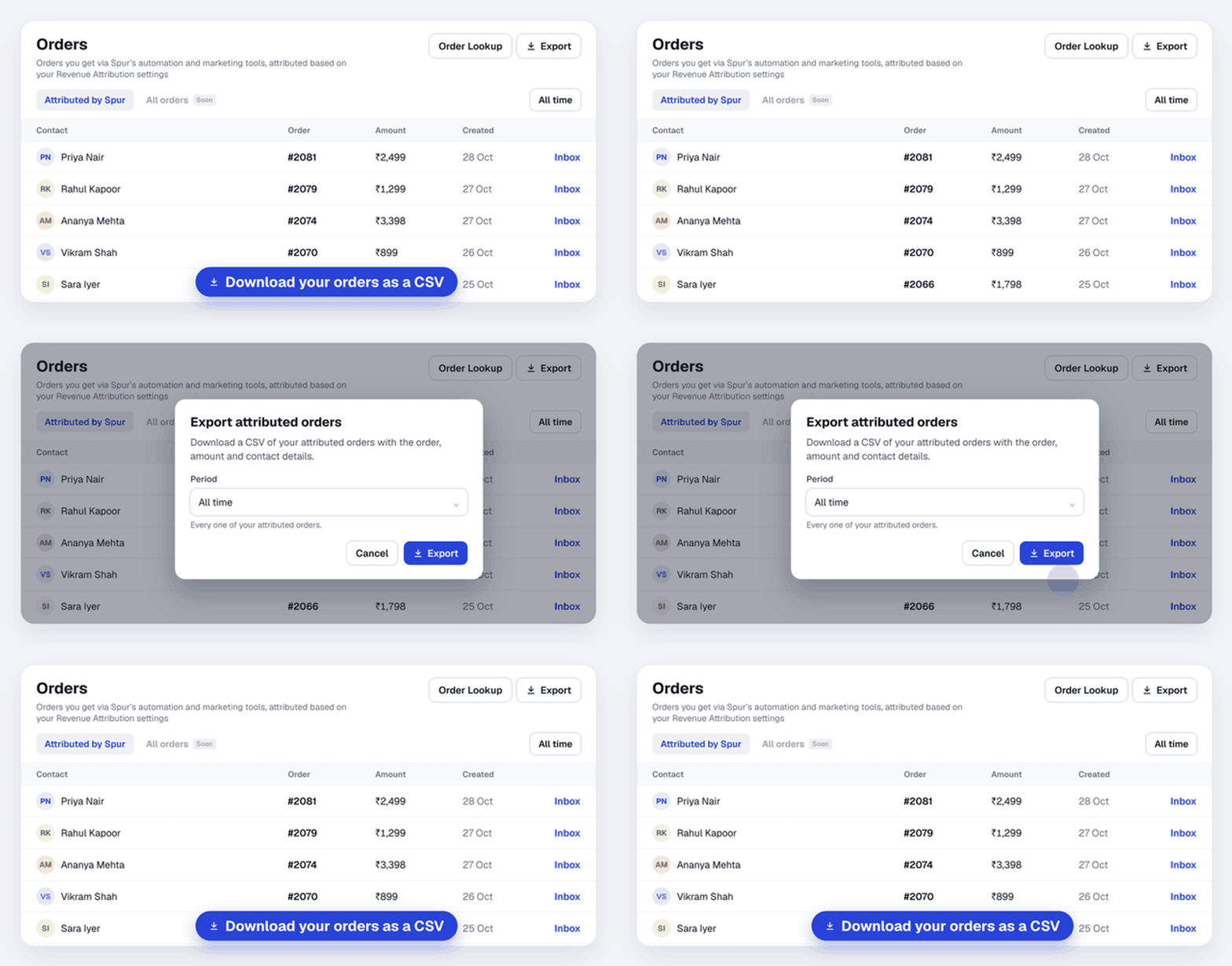
Orders are matched to Spur using your Revenue Attribution settings.
Also in the new Spur
- Workflow results. Open any workflow to see every run, retry the ones that failed and export them.
- Segments & Tags. Your tags now sit next to your segments, under Segments & Tags.