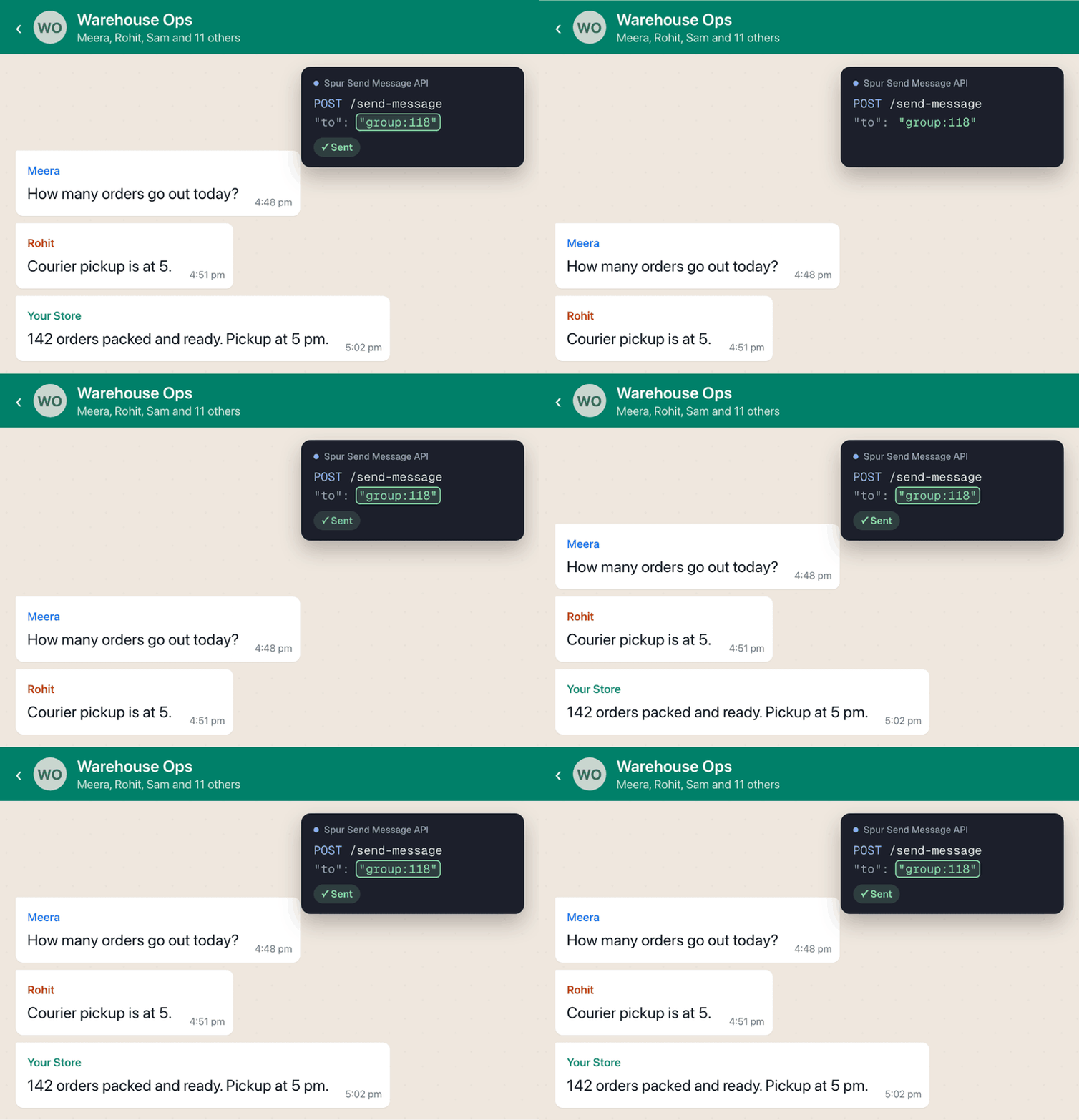
Send messages to WhatsApp groups with our API
Send a message to a WhatsApp group with the Send Message API, or ask an AI assistant connected through Spur MCP to send it for you.
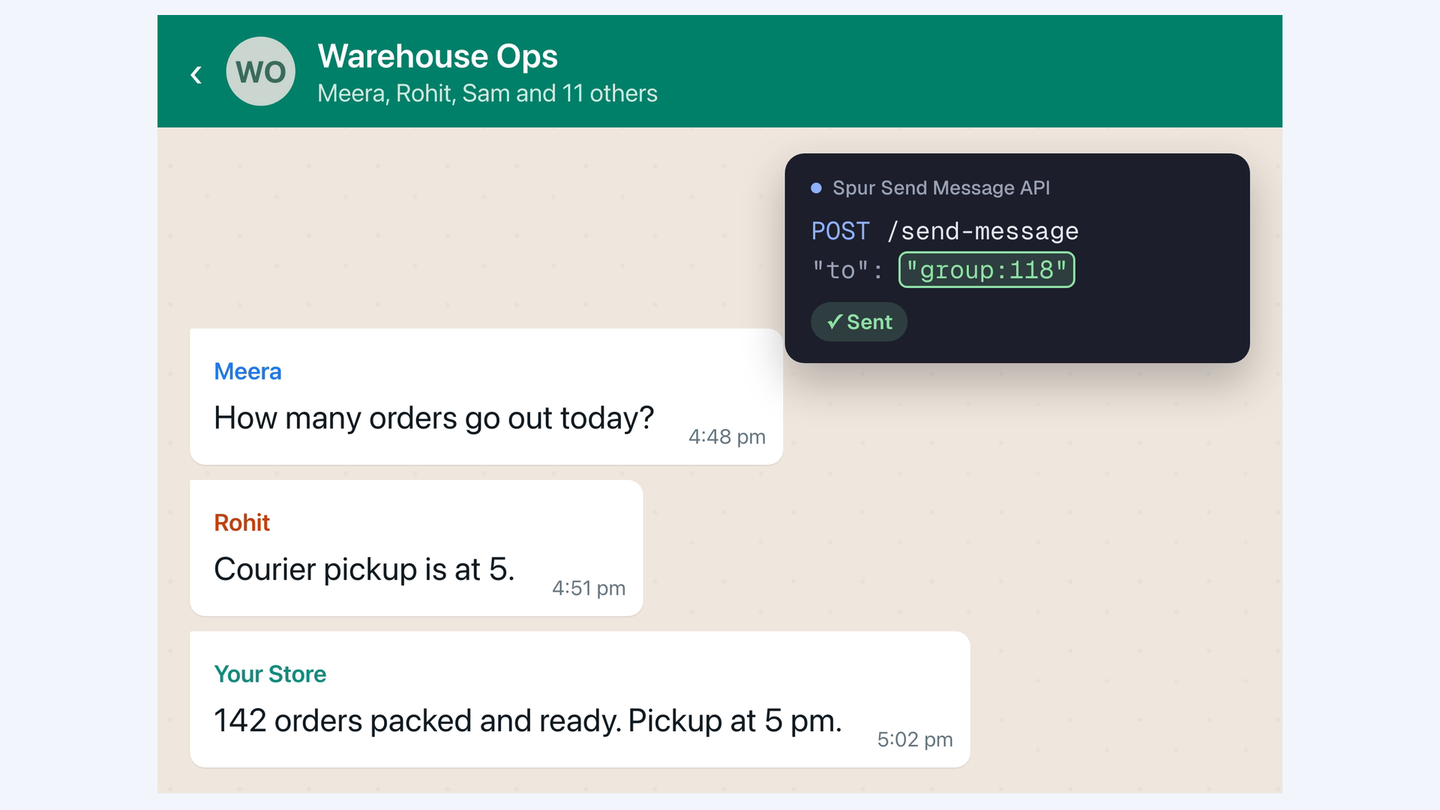
The Send Message API can now send to a WhatsApp group, using the same endpoint you already use for contacts. Set the recipient to group: followed by the group's number, for example group:91. To find the number, open the group in your Spur inbox: its address ends in grp_91.
You can also connect an AI assistant through Spur MCP and ask it to send the message for you. Like a one-to-one chat, text, images, video, audio and documents go out inside WhatsApp's 24-hour window, which opens when any group member sends a message. Outside it, send an approved template. Meta bills a template sent to a group as one conversation per member it reaches, and quick reply or list buttons can't be used in groups.