Improvement
A guided builder for WhatsApp templates, with a live preview
Templates are now built in three ordered steps with a WhatsApp preview beside the form, so you see the final message before you submit it to Meta.
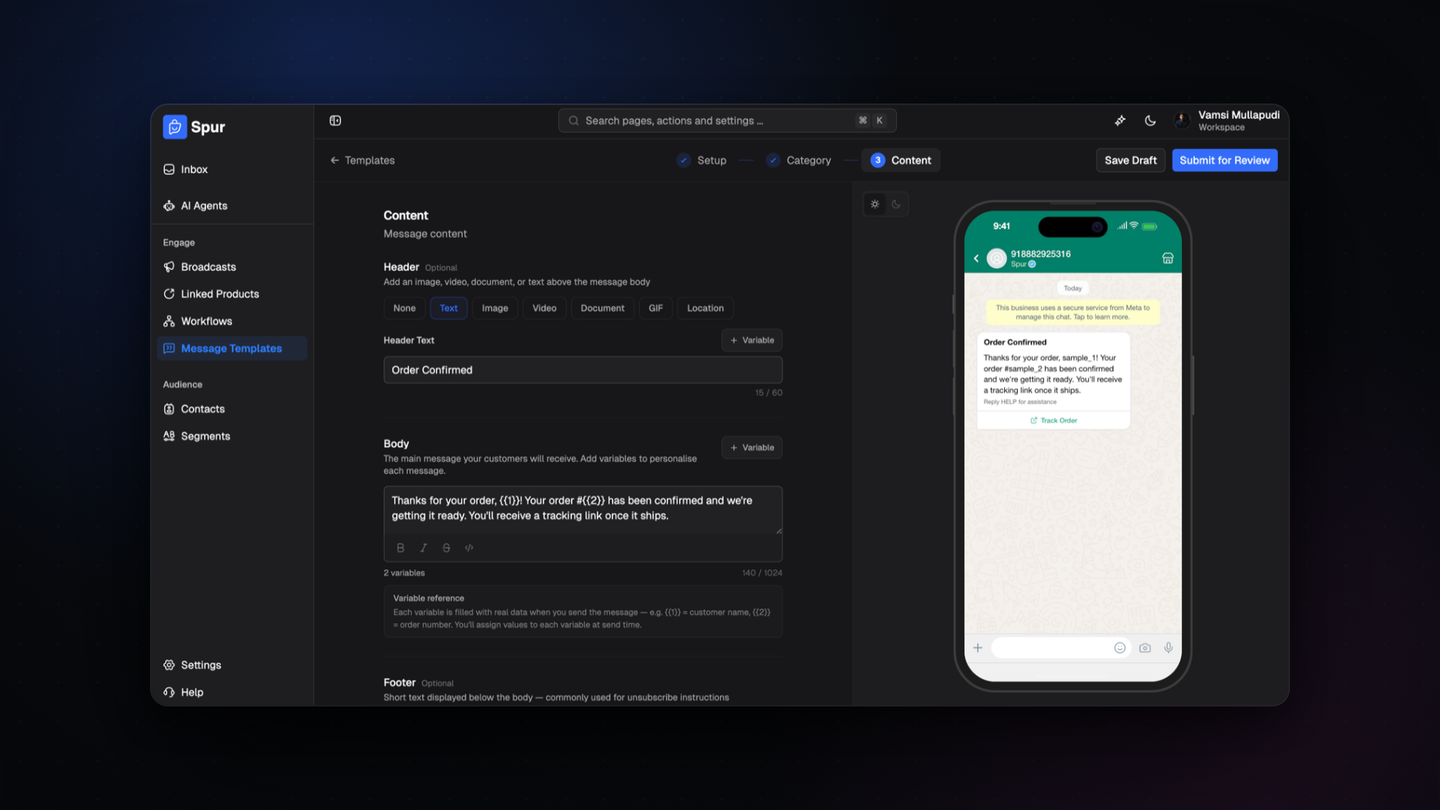
WhatsApp templates are now built in three ordered steps, setup then category then content, with a live WhatsApp preview beside the form.
Template rejections usually come from small things: the wrong category, a variable with no sample value, a footer that reads like marketing on a utility template. You used to find that out days later.
What is different
- Setup, category and content are separate steps, so the category is settled before you write
- The preview renders the real message, header, body, footer and buttons, in light and dark
- Header types are explicit: text, image, video, document, GIF or location
- Variables show a running count, and each field counts against Meta character limits
- Save a draft and come back, or submit for review when it is ready
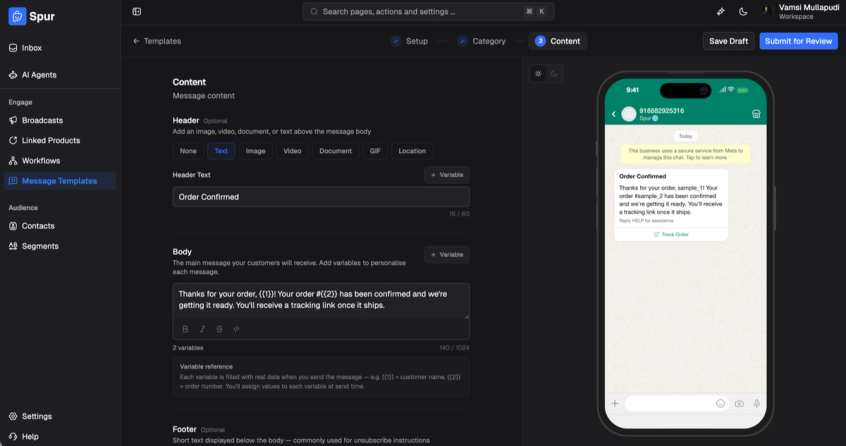
Where to find it
Open Message Templates and create a template.