New
Workflows can wait for a real date or time
A workflow step can now wait until a specific date or time instead of only counting forward a fixed number of minutes, hours or days.
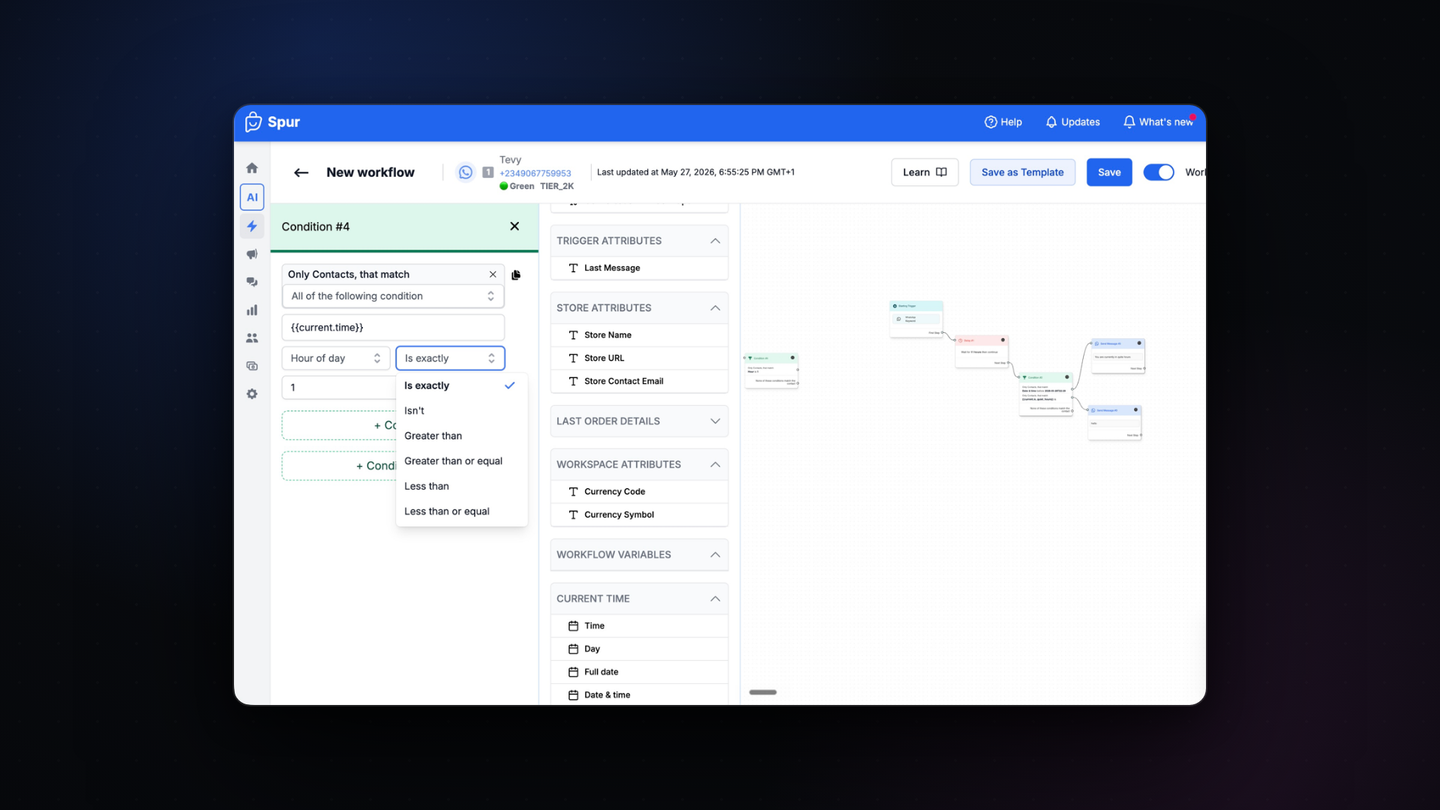
A workflow step can now wait until an actual date or time. Until now a delay could only count forward from the moment the step ran.
That made anything anchored to a calendar awkward. A reminder two hours before an event, a follow-up on Monday at 10am, a message that should only go out once the store opens: all of it needed a workaround.
What you can build with it
- Send a reminder a set time before an event date
- Hold a follow-up until a specific day and hour
- Run birthday and anniversary messages off a date field on the contact
- Keep a journey paused until your store is open
Where to find it
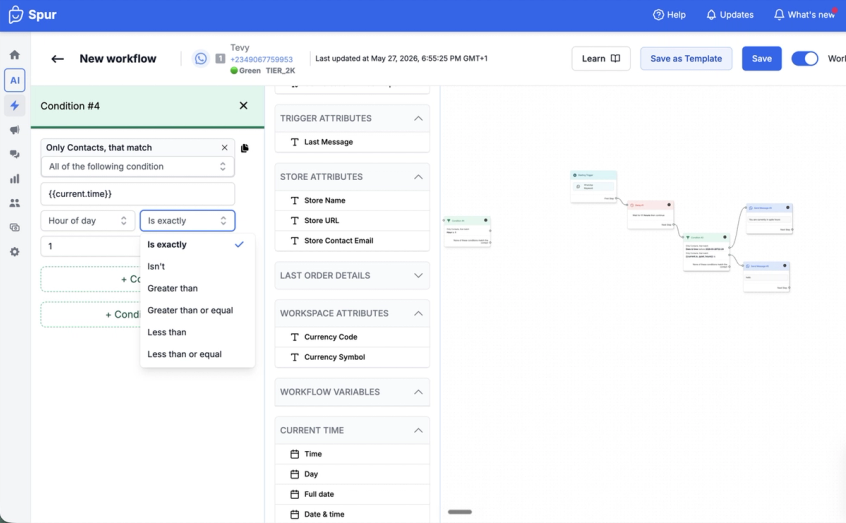
Open Workflows, add or edit a Delay step, and choose the date or time option instead of a fixed duration.