Delivery Reports: every outbound message in one place
Analytics now covers agent performance plus a message-level delivery report across broadcasts, automations, API and inbox sends, with filters and CSV export.
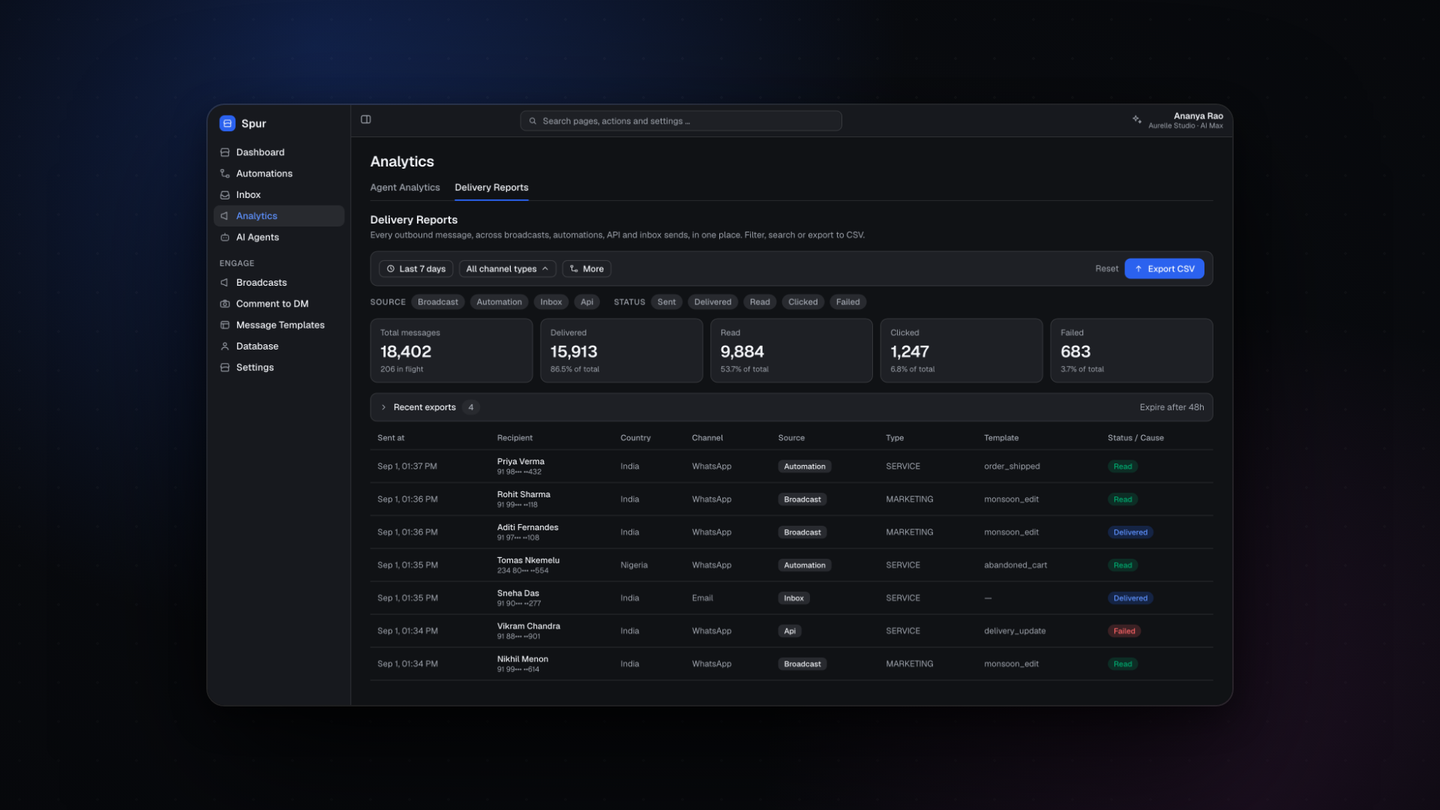
Analytics has two halves now. Agent Analytics reports on the people answering, and Delivery Reports covers every outbound message you send.
Delivery data used to be split across a broadcast report in one place and a conversation in another, which made a simple question like why did 600 messages fail last week genuinely hard to answer.
What Delivery Reports gives you
- Every outbound message across broadcasts, automations, API and inbox sends, in one table
- Totals for sent, delivered, read, clicked and failed, each with its share of the total
- Filters by date range, channel, source and status
- A row per message with recipient, country, channel, source, template and the failure cause
- CSV export, with recent exports kept for 48 hours
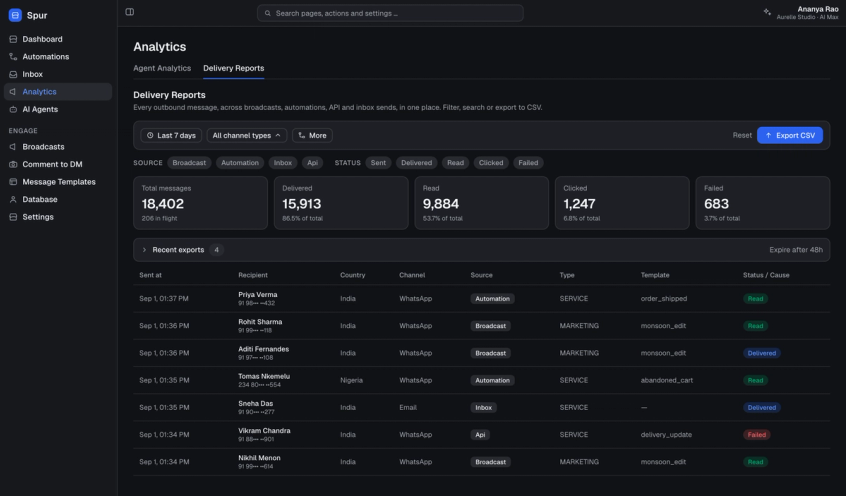
Agent Analytics
Pick an agent and a time period to see ticket resolution times, response times and performance, calculated against your working hours rather than raw clock time.
Reports by email
A completed broadcast report can now arrive by email automatically, so you do not have to come back and check whether it finished.
Where to find it
Open Analytics in the sidebar.