Improvement
Connect your AI assistant to Spur by signing in
Connect Claude, or any AI assistant that supports MCP, to Spur with your Spur login. No API key to copy.
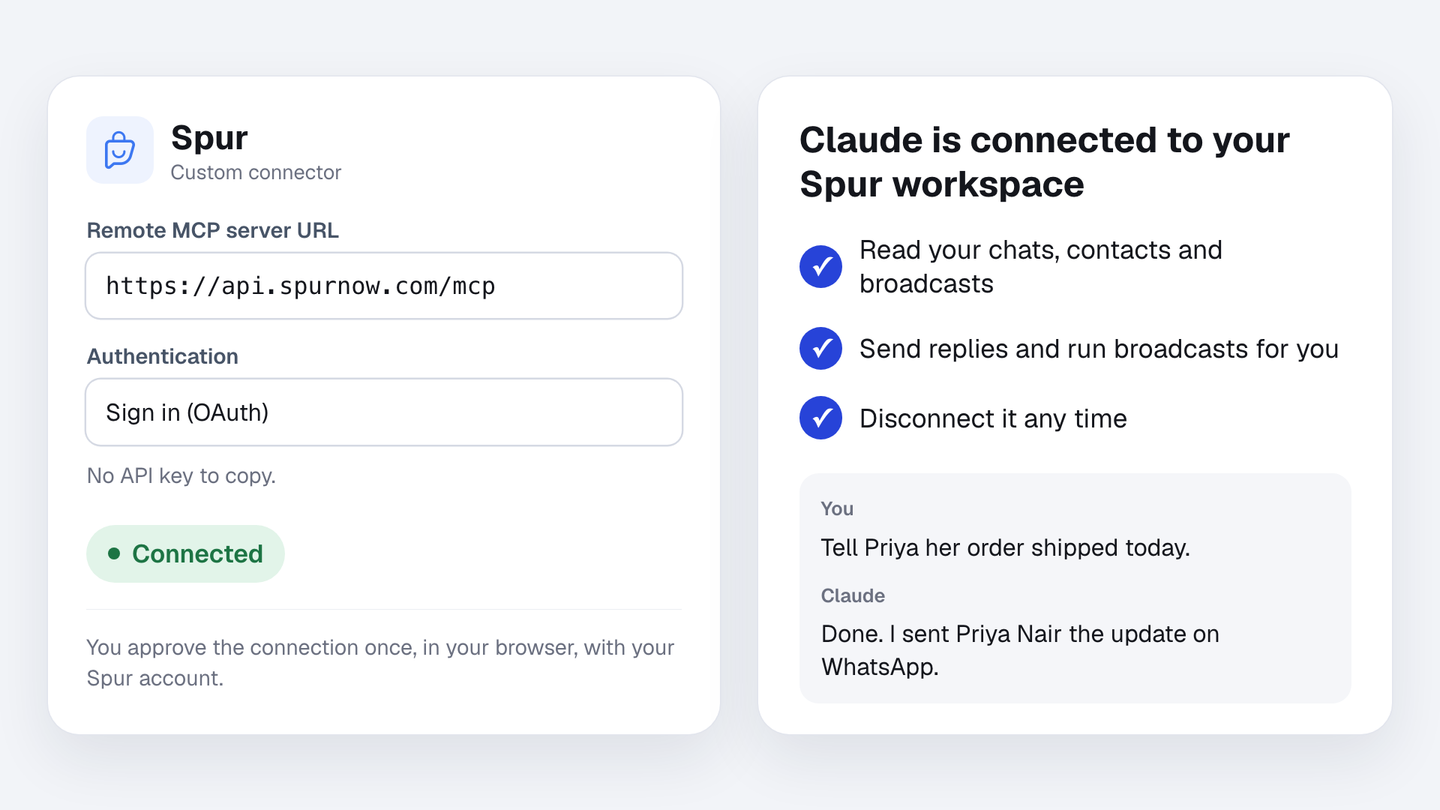
You can now connect Claude, or any other AI assistant that supports MCP, to Spur by signing in with your Spur account. No API key to copy. MCP is the standard way AI assistants connect to apps like Spur.
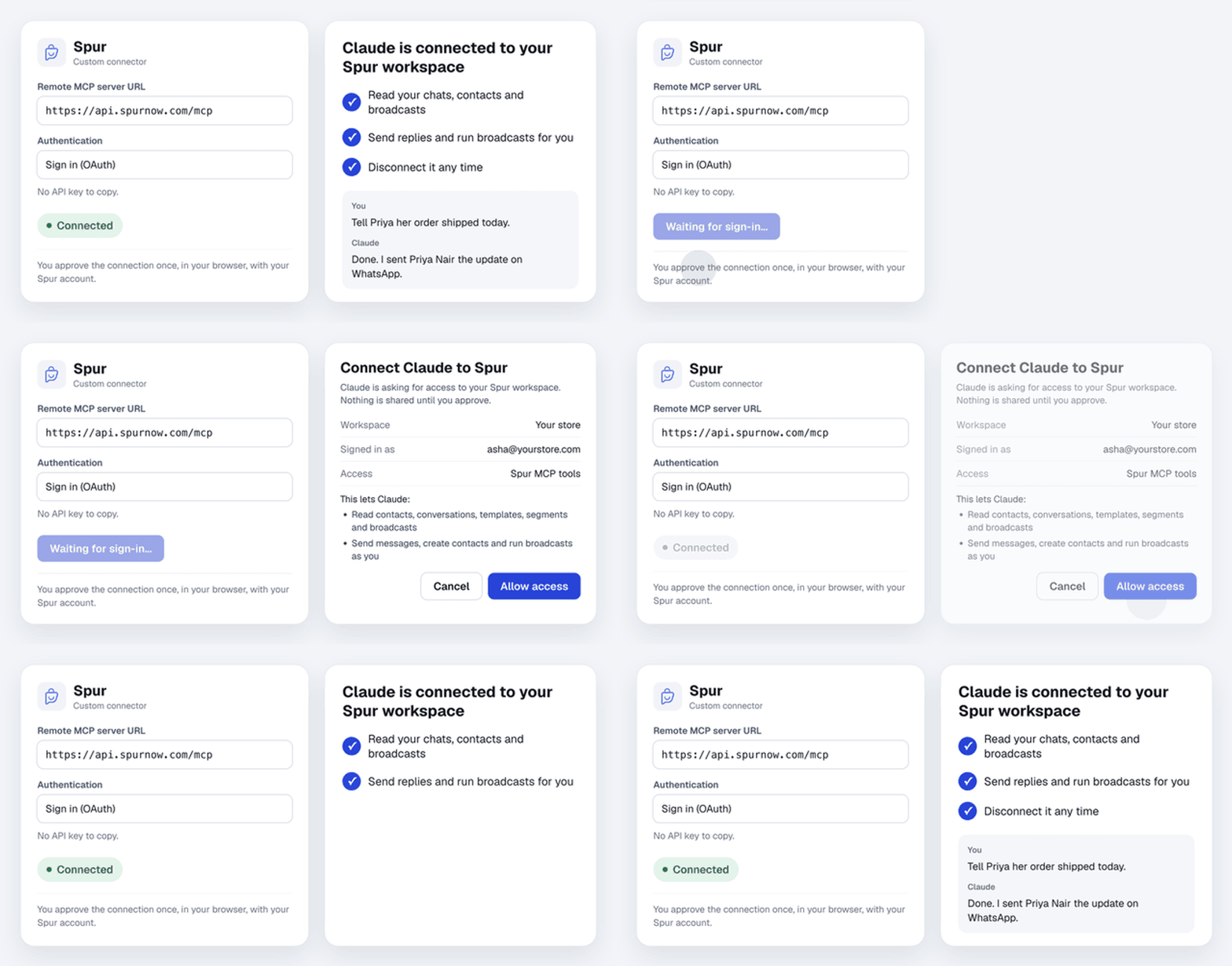
How to connect
- In your AI assistant, add a custom connector with this server URL: https://api.spurnow.com/mcp
- Choose to sign in, and sign in with your Spur account.
- Check what the assistant will be able to do, then click Allow access.
What your assistant can do
Just ask in plain words. It can read your contacts, chats, templates, segments and broadcasts, and send messages, create contacts and run broadcasts for you. See every tool
You can disconnect it at any time. If your assistant can’t sign in, you can still connect with an API key: the setup guide shows how.