Personalize Automations with the Current Time Variable
Dynamically insert the customer's local time into your automated messages and conditions for more personalized, timely support.

Get ready to make your automated conversations feel more personal and timely. We're introducing a new 'Current Time' variable to our automation workflows, designed to help you connect with customers at just the right moment.
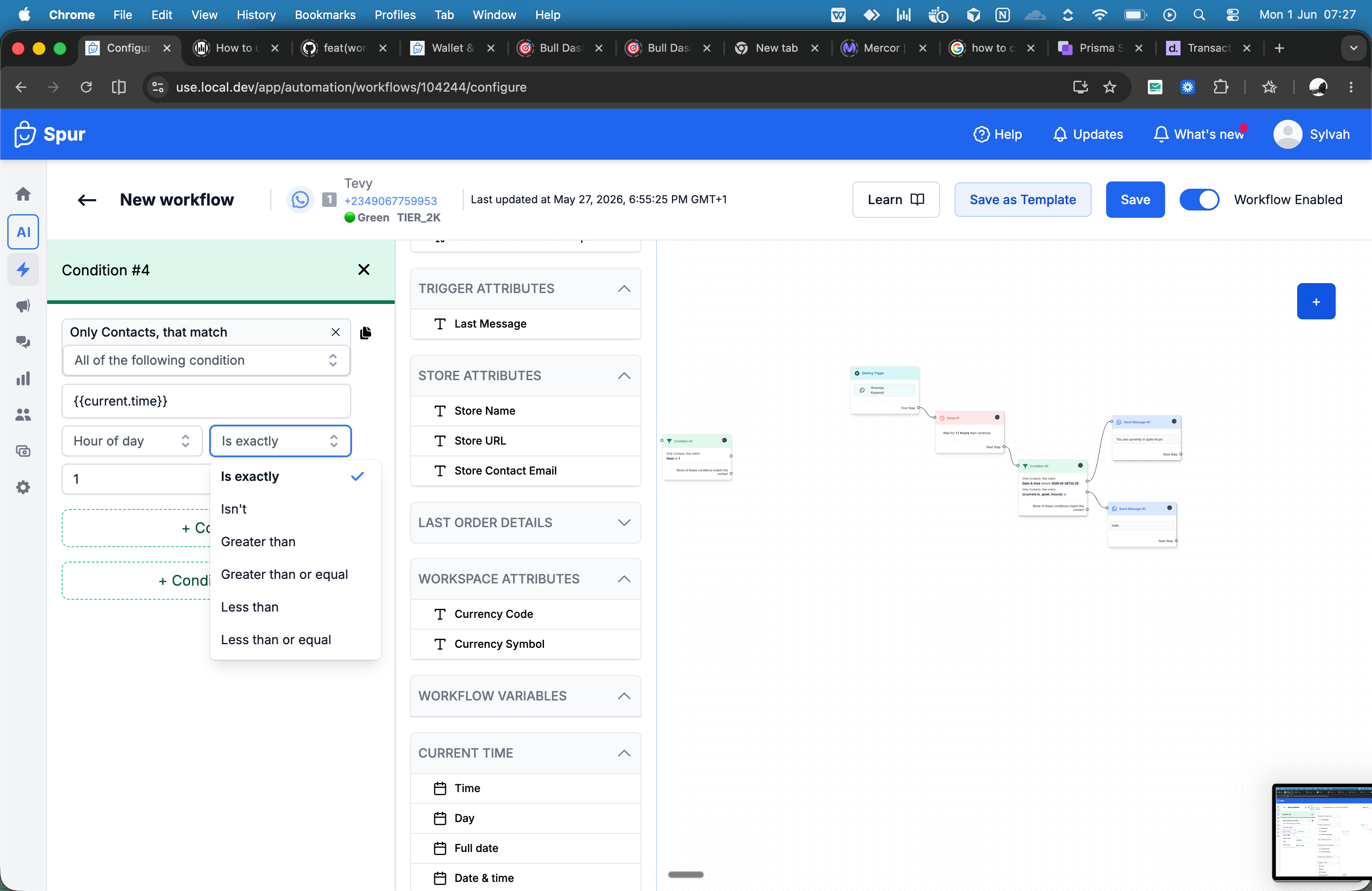
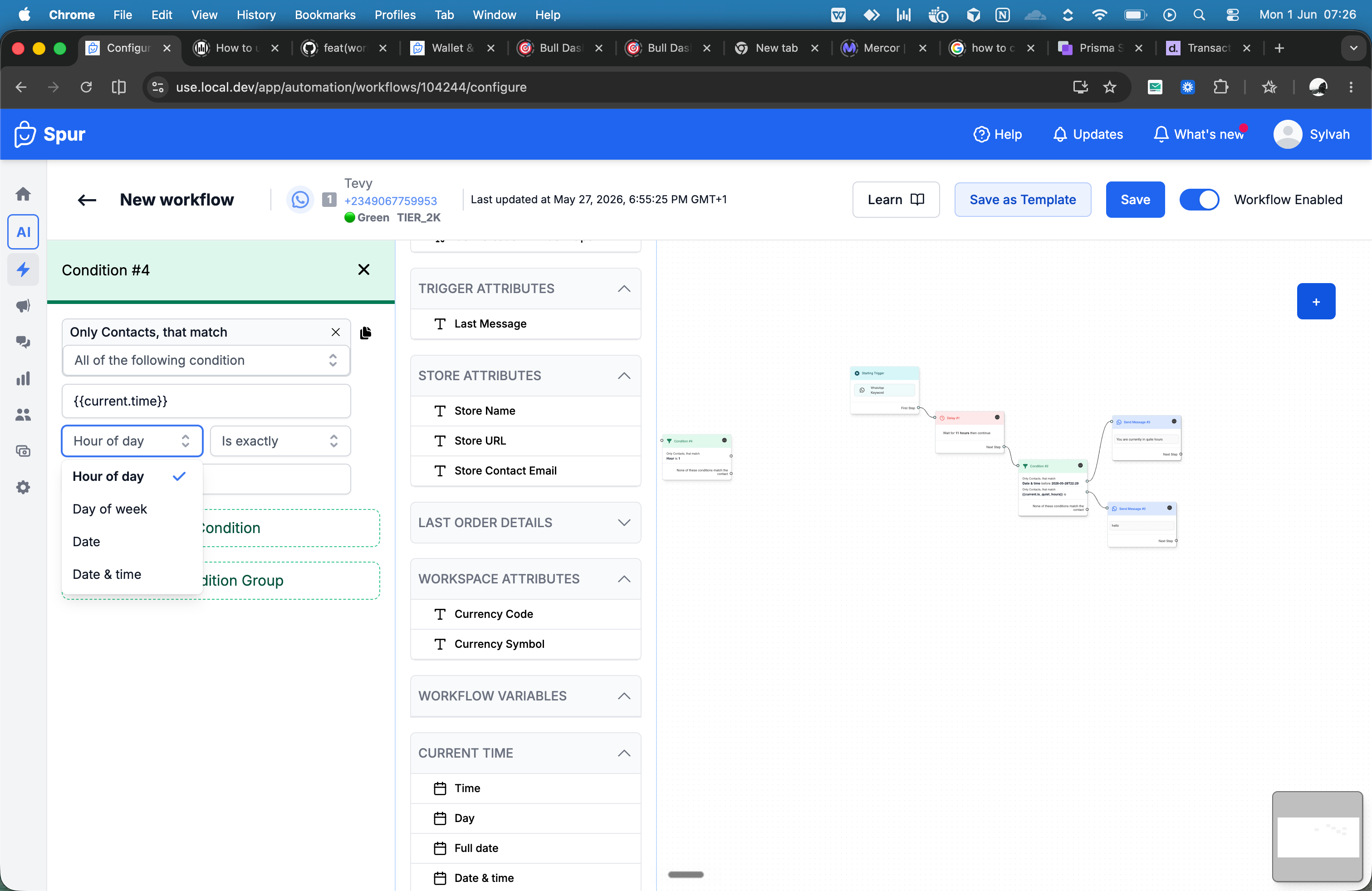
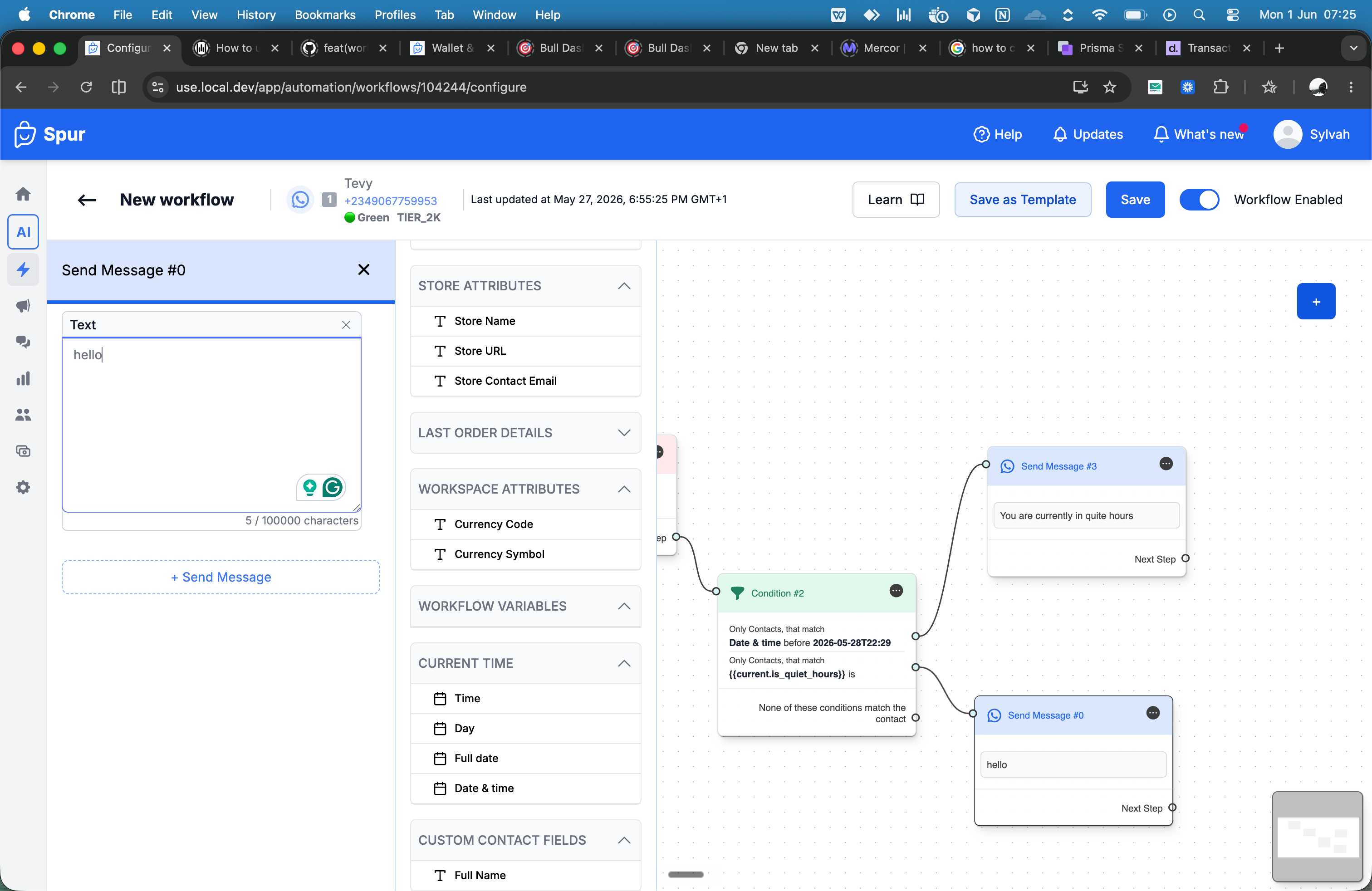
This powerful new variable will automatically resolve in your contact's local timezone. You'll be able to insert it directly into messages—think 'Good morning!' greetings—or use it as a condition to control when specific automations can run, like only during your business hours.
Imagine sending follow-ups that acknowledge the time of day, or preventing promotional messages from being sent in the middle of the night. With the Current Time variable, you can build smarter, more considerate workflows that respect your customer's schedule.
This update gives you more control to create highly contextual and human-like interactions, enhancing the customer experience across all your channels. Stay tuned for more details!