Improvement
Resend a team invite
Resend an invite to a teammate who can’t find their email, and see when each invite was sent.
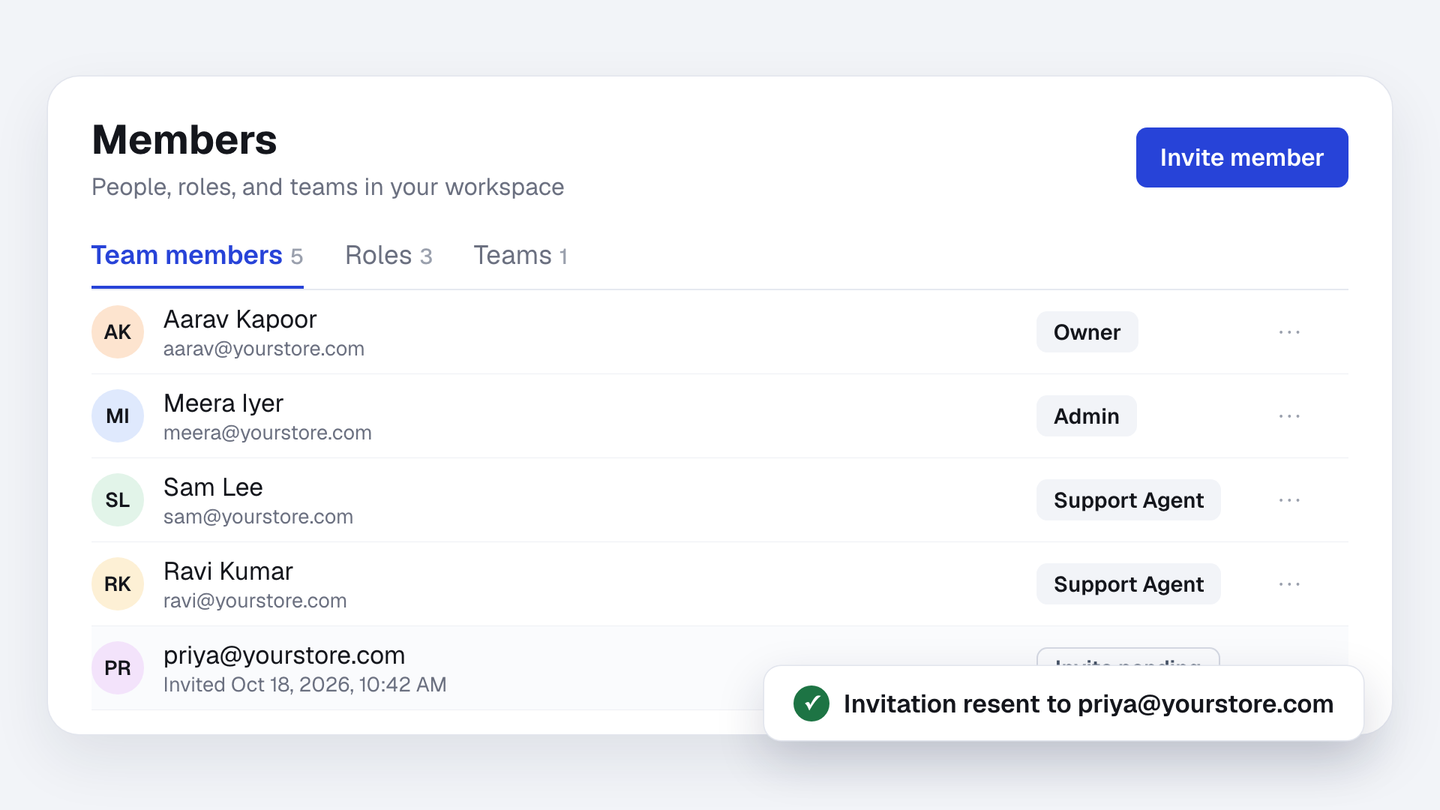
Teammate can’t find their invite email? Go to Settings, then Members, click the ⋯ next to their email (it’s marked Invite pending), and choose Resend invite. The invite email goes out again, and each pending invite now shows when it was sent.
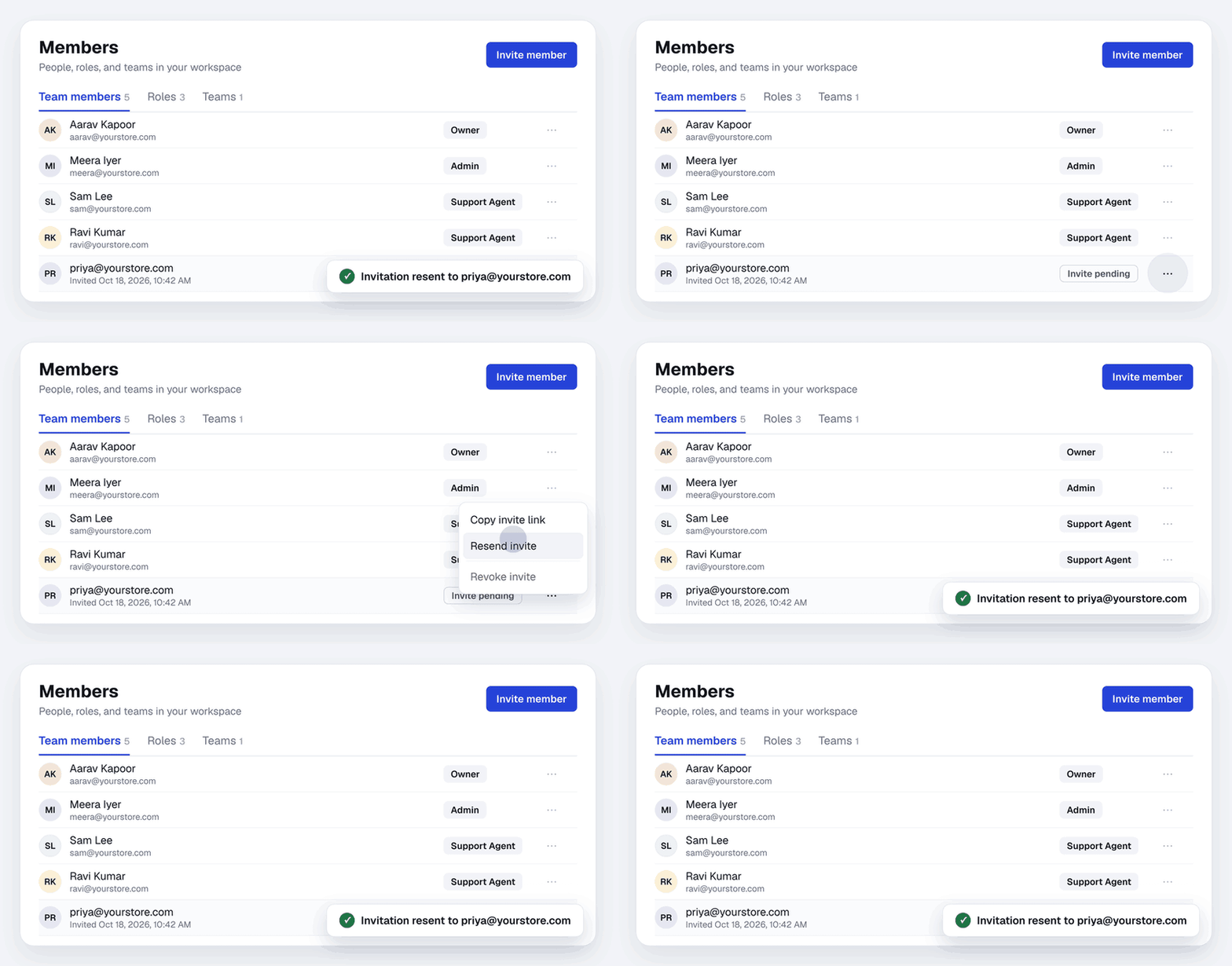
The Members page is also easier to use. Team members, Roles and Teams each have their own tab. If a button is greyed out, hover over it to see why, for example “No seats left on your plan”. And you can now delete a role you no longer use, even if people who had it were removed from your team.