Broadcast testing is quicker, and failed tests now explain themselves
The test step already existed. It now hands you a QR code and a WhatsApp link to pull the test onto your phone, and tells you what went wrong when one does not arrive.
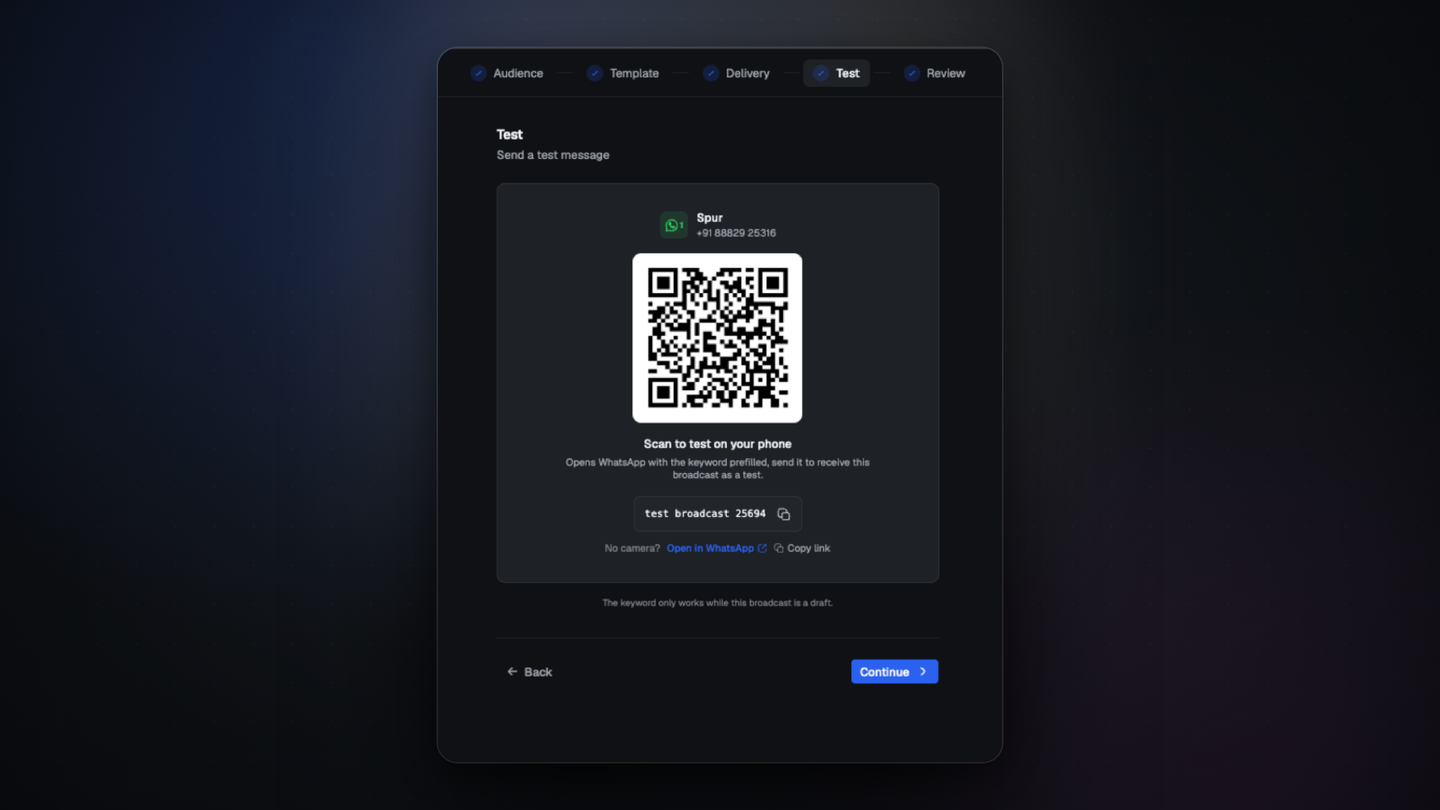
The test step has been part of the broadcast flow since it was rebuilt in July. Two things about it changed: getting the test onto your phone is quicker, and a test that fails now tells you why.
Getting the test onto your phone
Scan the QR code, or open the WhatsApp link and send the prefilled keyword. The real message lands on your device with your header media and buttons, which a browser preview cannot show you.
The keyword only works while the broadcast is still a draft.
When a test does not arrive
Recent attempts and failures are now listed with the reason, so you can tell a template problem apart from a delivery one instead of guessing.
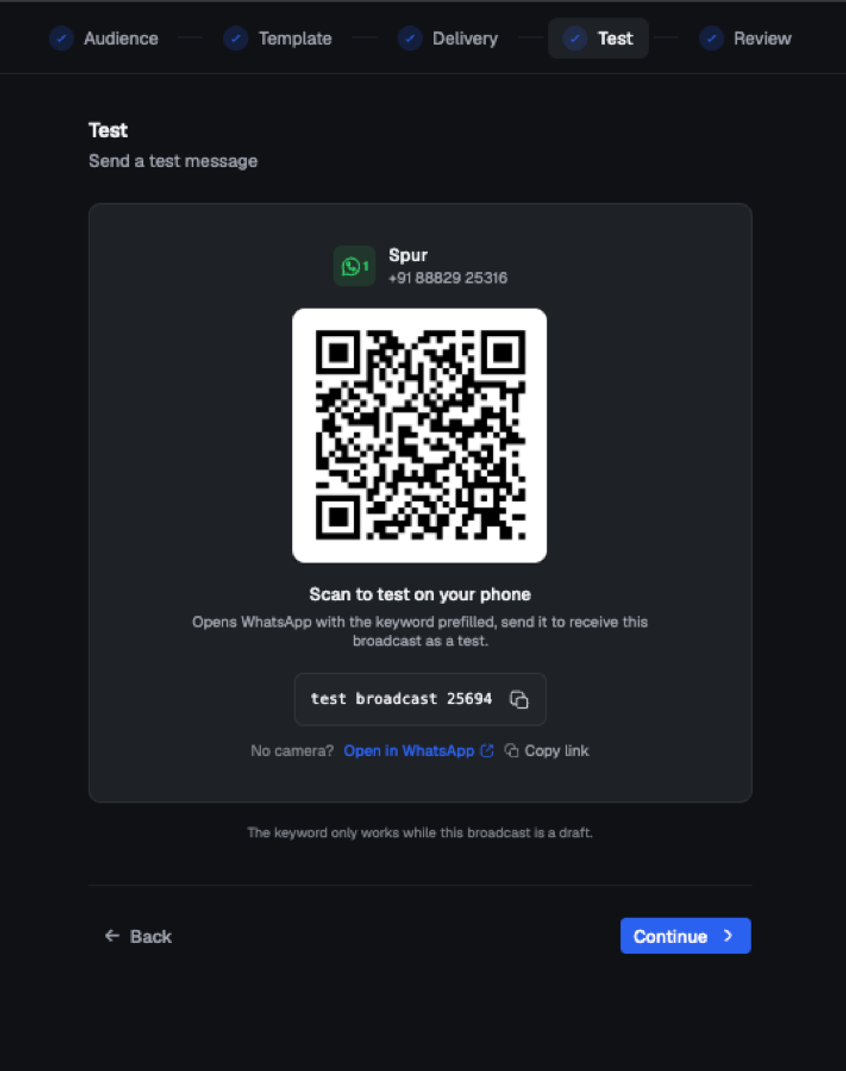
Where to find it
Open Broadcasts, create a broadcast, and go to the Test step.