New
Shortcuts your customers can tap when they open a chat with you
Set up to four ice breakers customers see the first time they open a chat with you, and slash commands like /track that they can type in the message box.
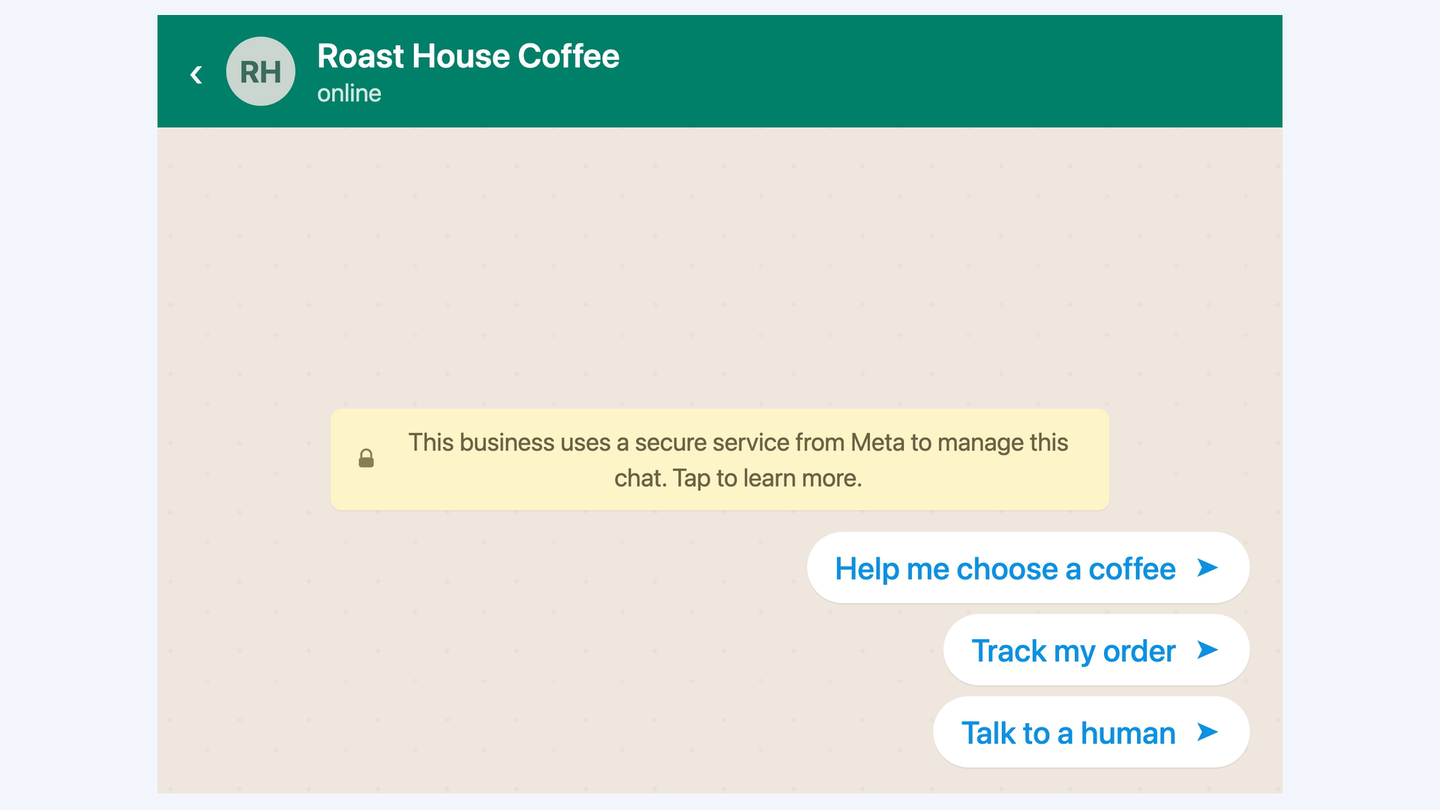
A new chat used to start empty, with nothing suggesting what to ask. On each WhatsApp number you can now set both kinds of shortcut.
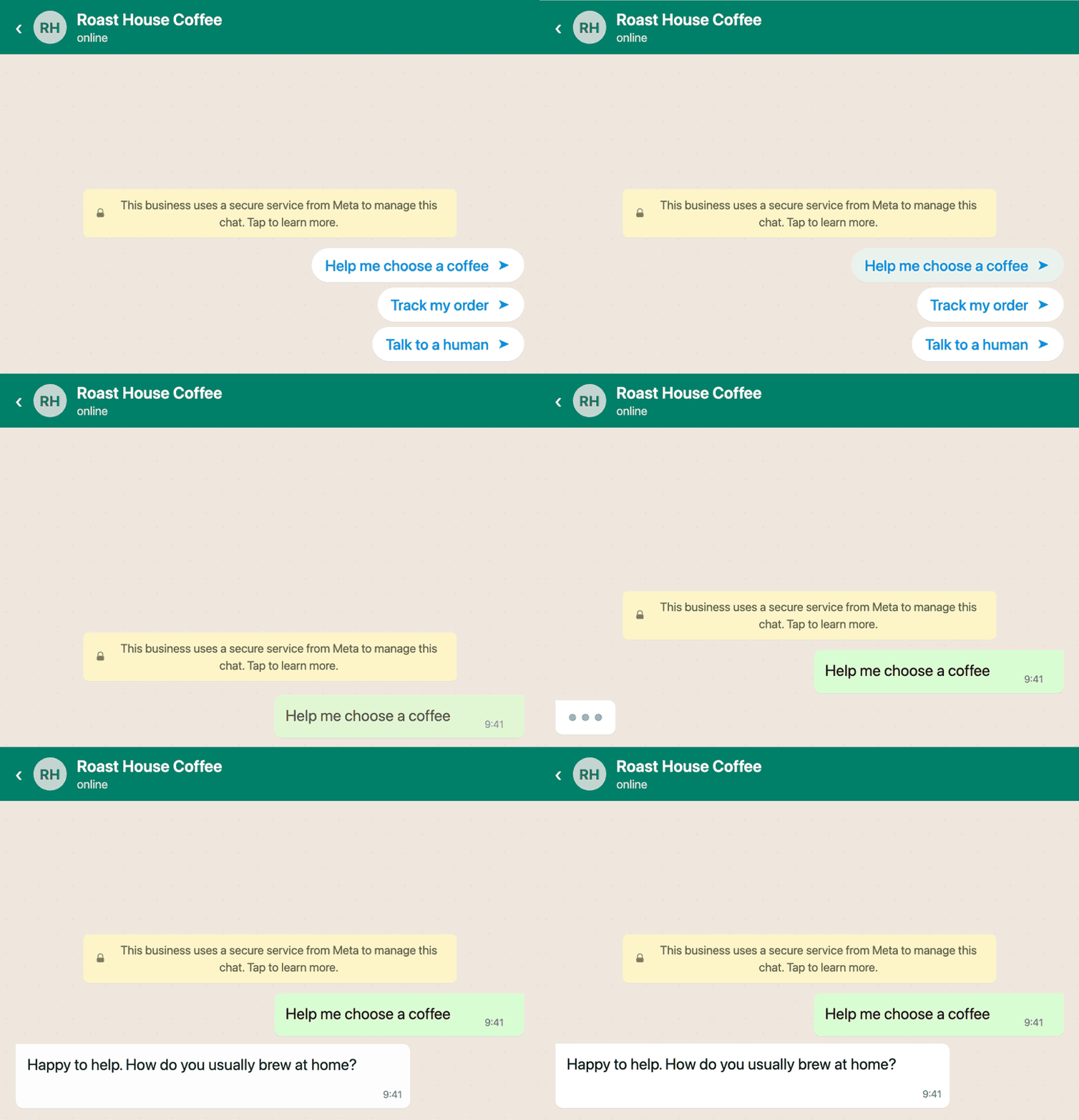
Ice breakers are tappable prompts, up to four of them, shown the first time someone opens a chat with you. They disappear once the customer sends a message. Commands are the ones people type, like /track, with a short hint beside each. Both read live from Meta, so the panel always shows what is actually set on that number.
Where to find it
Settings, then WhatsApp. Pick a number, open Manage, then the Conversational components tab.