More control over Shopify order actions
Workflows that cancel Shopify orders or create draft orders now let you choose about restocking and discounts.
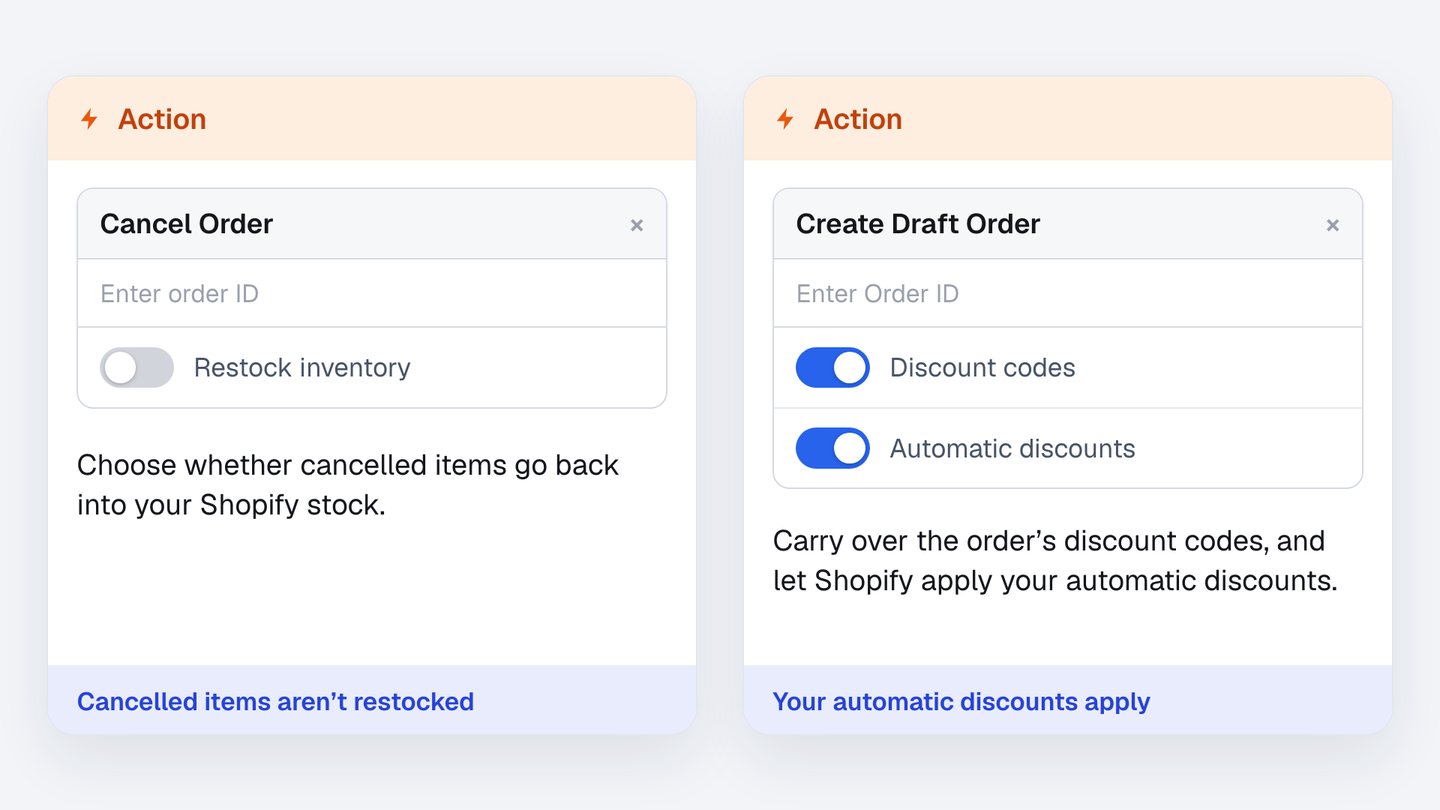
If your workflows cancel Shopify orders or create draft orders for customers, you now decide how two of those actions behave. Until now, each always worked the same way.
Restock inventory on the Cancel Order action. When it’s on, the items from a cancelled order go back into your Shopify stock, as they always did. Turn it off if you don’t want them back in stock.
Discount codes and Automatic discounts on the Create Draft Order action. The first chooses whether discount codes from the original order are copied to the new draft order. The second lets Shopify apply the automatic discounts you’ve set up in your store.
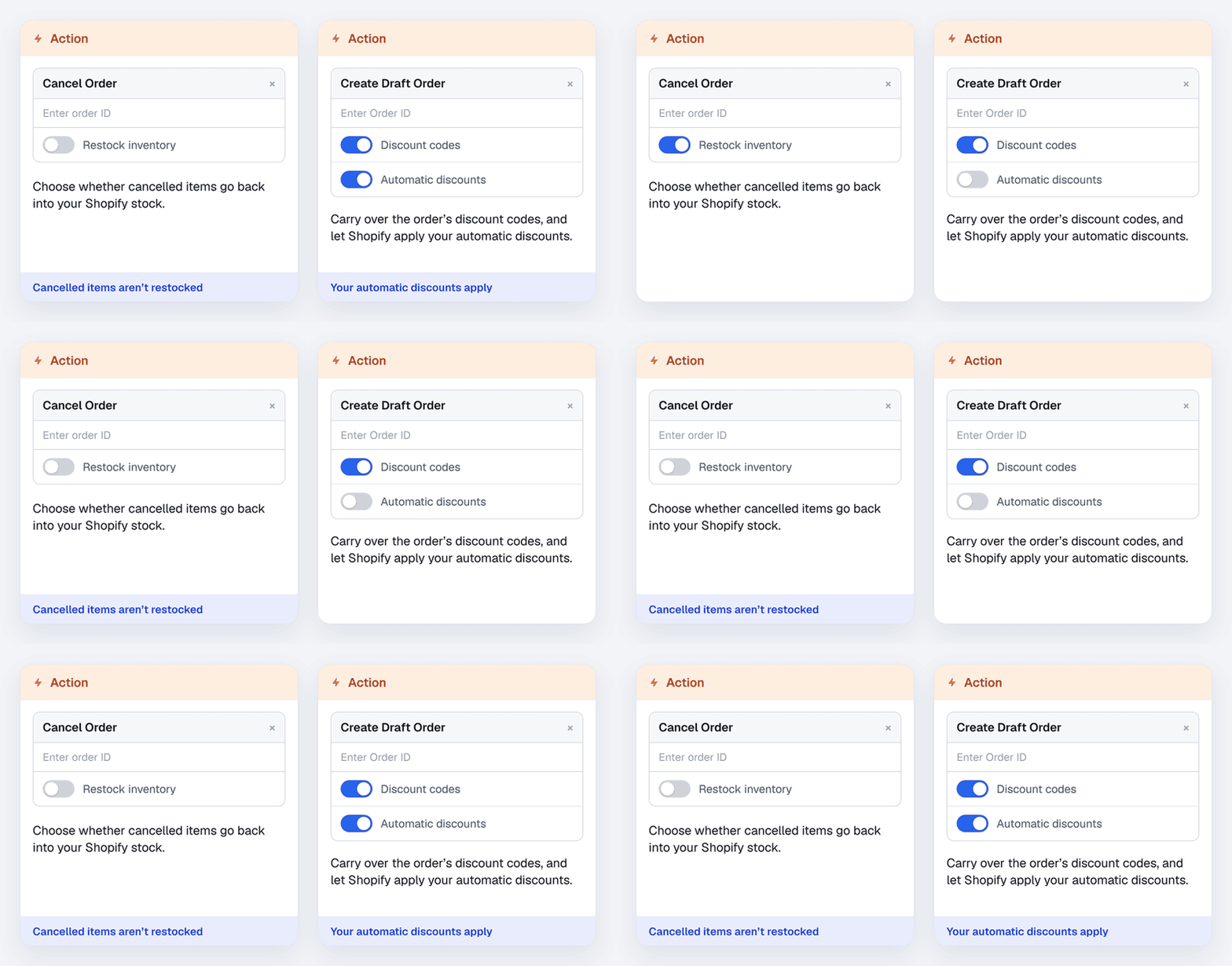
Workflows you already have keep working exactly as before. To use the new options, open a workflow, add an Action step and pick Cancel Order or Create Draft Order.