Four things WhatsApp groups needed: search, reactions, voice notes, delivery info
Find a group by name or by participant, react with an emoji, send a voice note, and see exactly which participants received a message.
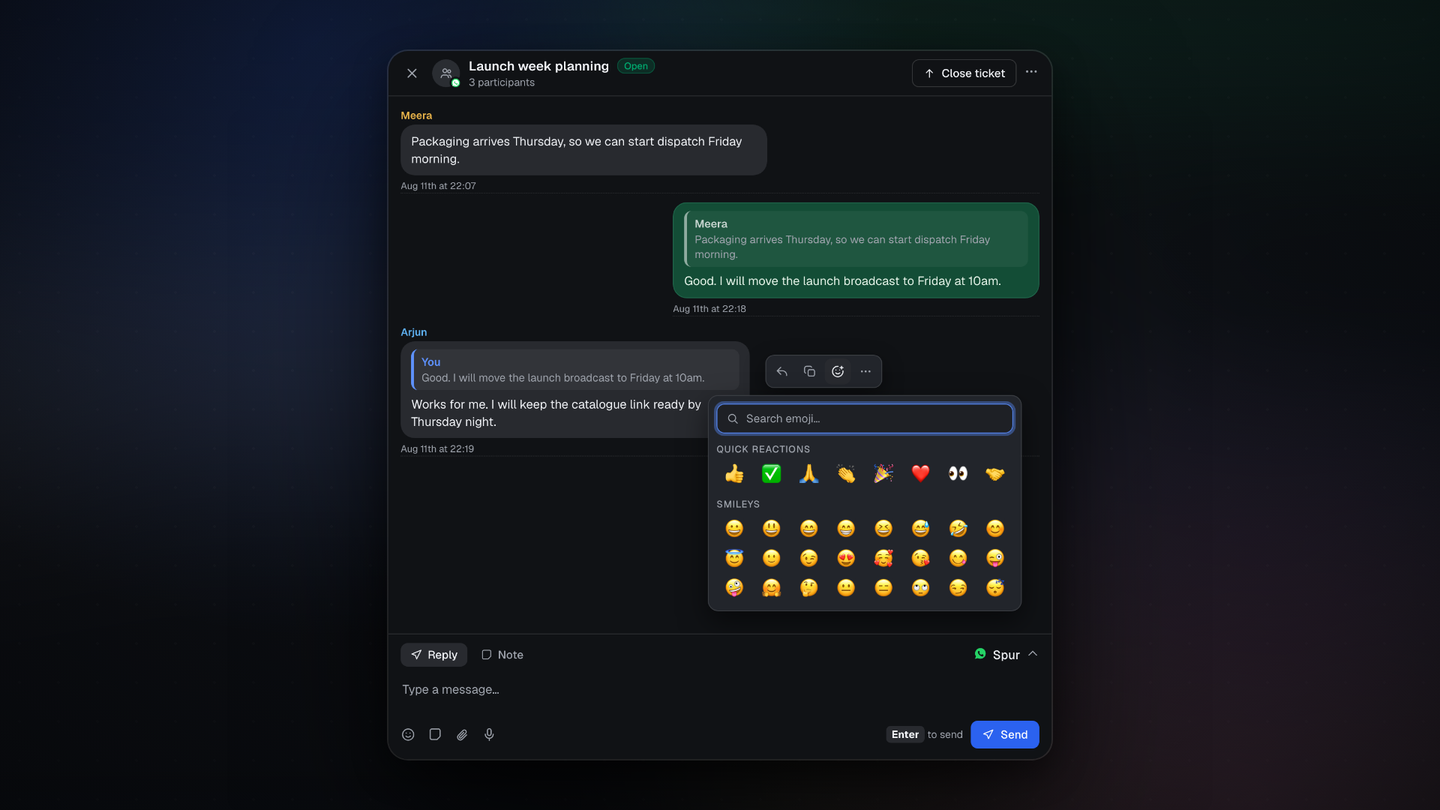
Four changes to how WhatsApp groups work in the inbox.
Find a group without scrolling
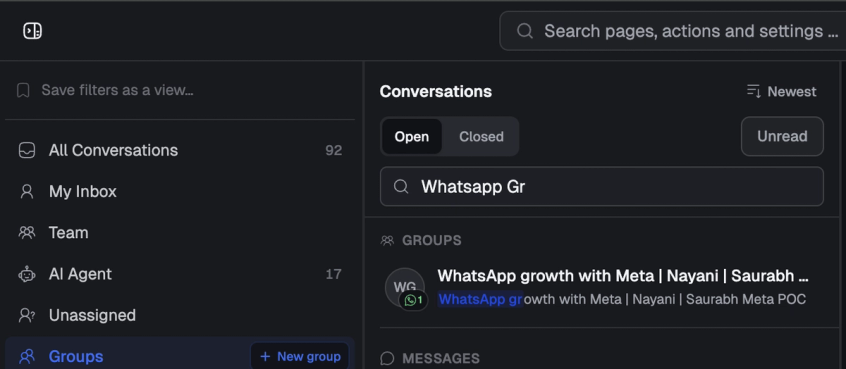
Type a group name or a participant name into conversation search. Matching groups come back in their own Groups section, above the message results.
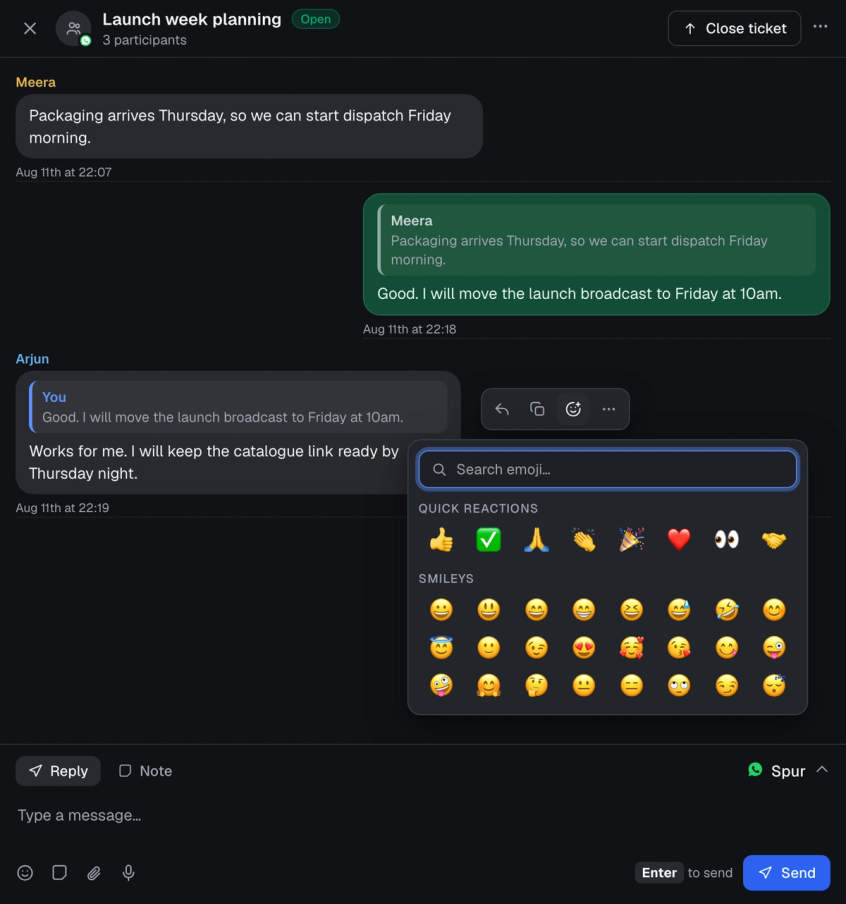
React with an emoji
Add a reaction to any message in a group or a one to one chat. It acknowledges a message without adding another line to an already busy thread.
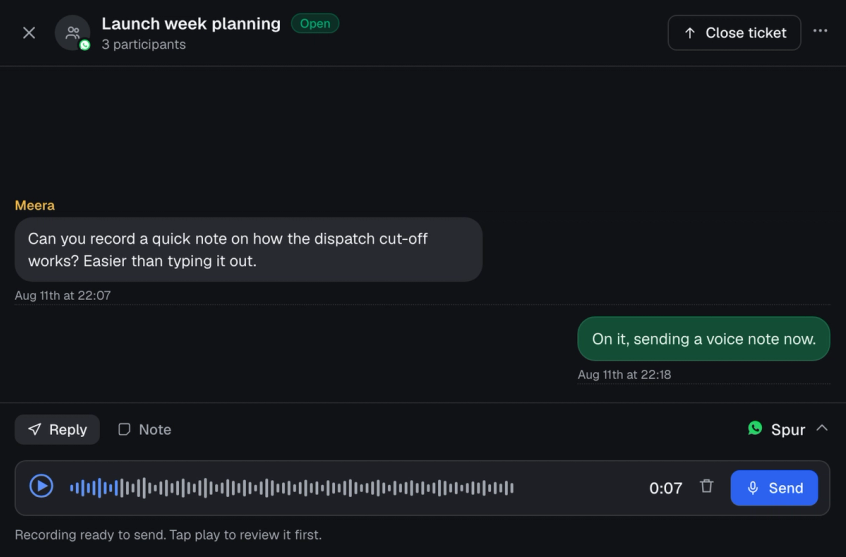
Send a voice note
Record and send a voice message inside a group when typing it out would take longer. You can play it back before it goes.
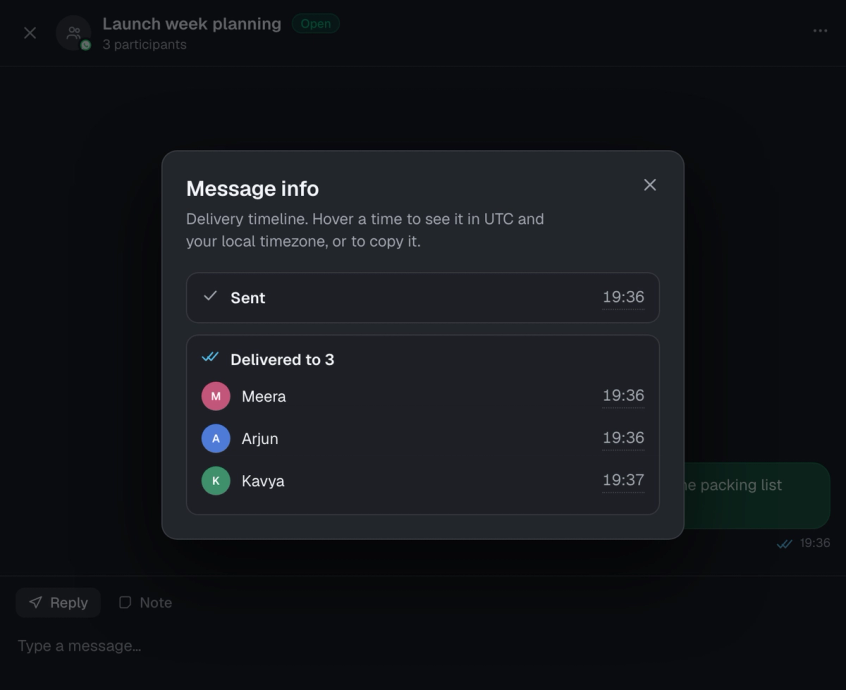
See who actually received it
Open message info on any group message for a delivery timeline: when it was sent, and which participants it reached, with times.
Where to find it
All four are in the inbox, on WhatsApp group conversations.