Best Freshchat Alternatives in 2025

Discuss with AI
Get instant insights and ask questions about this topic with AI assistants.
💡 Pro tip: All options include context about this blog post. Feel free to modify the prompt to ask more specific questions!
TL;DR: Looking for a better alternative to Freshchat? The best replacements offer deeper WhatsApp and Instagram integration, smarter AI automation that actually handles tasks (not just answers), and more flexible pricing. If your customers live on social channels, tools purpose-built for those platforms will serve you better than Freshchat's limited ecosystem.
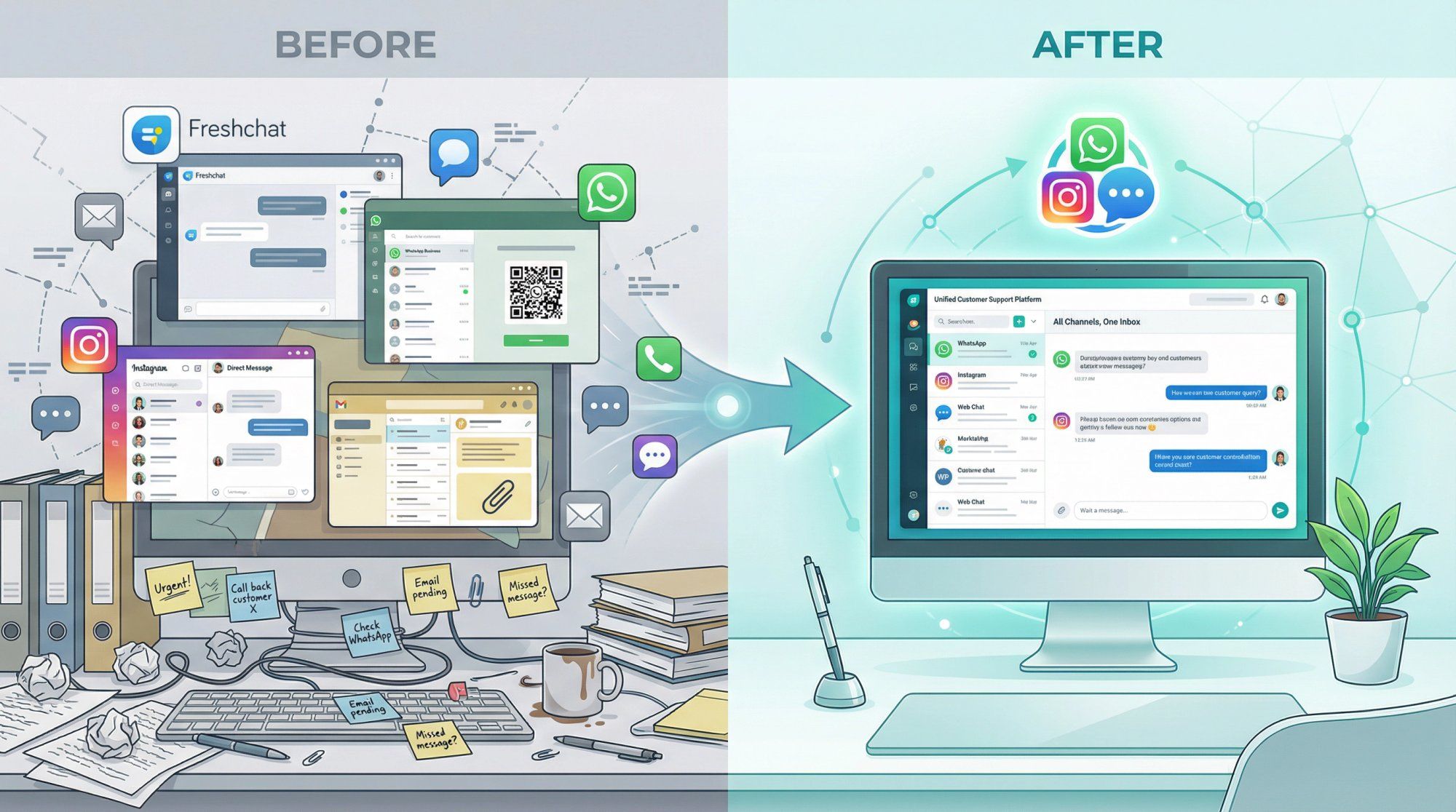
Freshchat is a solid live chat tool, but it's showing its limitations. If you're reading this, you probably already know the pain points: minimal WhatsApp support, clunky automation that can't handle complex workflows, and integration options that basically force you into the Freshworks universe.
The good news? The customer messaging landscape in 2025 has matured dramatically. You don't have to settle for a platform that only excels at website chat when your customers are sliding into your DMs on Instagram and WhatsApp.
This guide breaks down the ten best Freshchat alternatives, with honest takes on what each does well (and where they fall short). Whether you need actionable AI agents, multi-channel support, or just better value for money, there's something here that'll fit.
Freshchat works fine if you only need basic website chat. But most businesses hit a wall pretty quickly:

Integration limitations are real. Freshchat plays nicely with other Freshworks products, but connecting to third-party CRMs or e-commerce platforms requires workarounds. If you're not using Freshdesk, you're going to feel the friction. Want to pull order data into a chat? Good luck without custom development.
Automation feels half-baked. Sure, Freshchat has Freddy AI and automation triggers, but users consistently report it's clunky compared to newer platforms. Setting up complex chat flows or smart routing takes more effort than it should, and the logic feels limited. If automation is critical to your workflow, you'll bump into these constraints fast.
WhatsApp and Instagram are afterthoughts. This is the big one. Freshchat wasn't built for WhatsApp-heavy or Instagram-focused businesses. If your customers prefer sliding into your DMs over using a website widget, Freshchat leaves you scrambling for additional tools. No native WhatsApp broadcasting, no Instagram comment automation, none of the features that modern social-first businesses actually need.
Pricing scales awkwardly. Freshchat charges per agent, starting around $19/agent/month for Growth and $79/agent/month for Enterprise. There's a free tier for up to 10 agents, but costs balloon quickly. Compare that to flat-rate platforms where you pay one fee regardless of team size, and the math stops making sense.
UX quirks add up. Being a newer product in the Freshworks family, Freshchat has its share of bugs and interface inconsistencies. Users mention GIF glitches and a less polished mobile app. These aren't deal-breakers individually, but they chip away at the user experience over time.
Bottom line: If you're nodding along to any of these pain points, you're not alone. Lots of teams realize they need something that integrates better, automates smarter, supports the channels their customers actually use, or just costs less.
Before diving into specific alternatives, figure out what matters most for your setup:
Which channels do your customers use? Don't assume you need every channel. If your audience lives on WhatsApp and Instagram, prioritize platforms that treat those as first-class citizens. If website chat and email still drive most conversations, lean towards tools strong in those areas. Spur excels at social messaging with dedicated WhatsApp Business API and Instagram automation capabilities.
How much automation do you actually need? Be honest about this. Basic FAQ bots? Most platforms handle that fine. But if you want AI that can track orders, book appointments, or update CRM records autonomously, you need something more sophisticated. Modern alternatives offer actionable AI that completes tasks, not just conversational AI that chats.
Integration requirements matter more than you think. Make a list of the tools you can't live without: your CRM, e-commerce platform, payment processor, helpdesk. Then check if your shortlisted alternatives connect natively. Custom integration projects get expensive and fragile fast. Platforms with robust integration ecosystems save you weeks of headaches.
Ticketing or pure messaging? This split matters. Full helpdesk suites come with structured ticketing, SLAs, and knowledge bases. Lightweight chat tools keep things simple with real-time messaging. Match the tool to your support complexity. If you're managing tier 1 and tier 2 escalations, you need the structure. If you're just helping customers quickly, keep it simple.
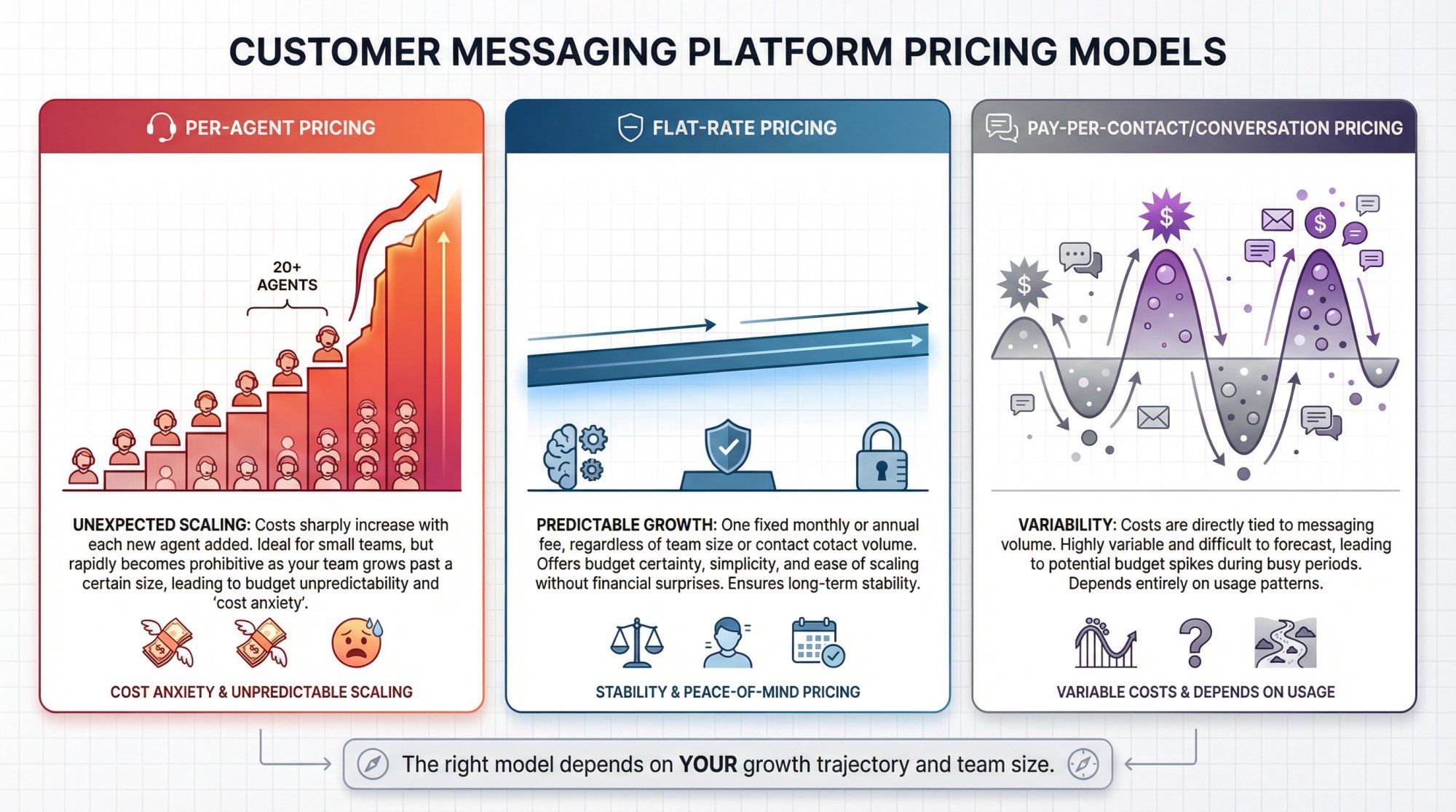
Pricing models vary wildly. Per-agent pricing works until it doesn't. Flat-rate plans can be cheaper at scale. Some tools charge by contacts or conversations. Figure out what your growth trajectory looks like and model the costs accordingly. A cheap tool that gets expensive at 20 agents isn't actually cheap.
Don't ignore user experience. Both for your team and your customers. An intuitive agent dashboard reduces training time. A clean chat widget improves customer satisfaction. These seem like minor details until you're dealing with agent turnover or customer complaints about the chat interface.
The key question: Which channels matter most to your customers? Let that answer drive your decision, not feature checklists.
With these criteria in mind, let's look at the actual alternatives worth considering.
If Freshchat's weak social channel support is what's driving you away, Spur is probably the first alternative you should evaluate.
Spur isn't trying to be everything to everyone. It's laser-focused on WhatsApp, Instagram, Facebook Messenger, and web chat, wrapped together with AI automation that actually does things.
What makes Spur different:
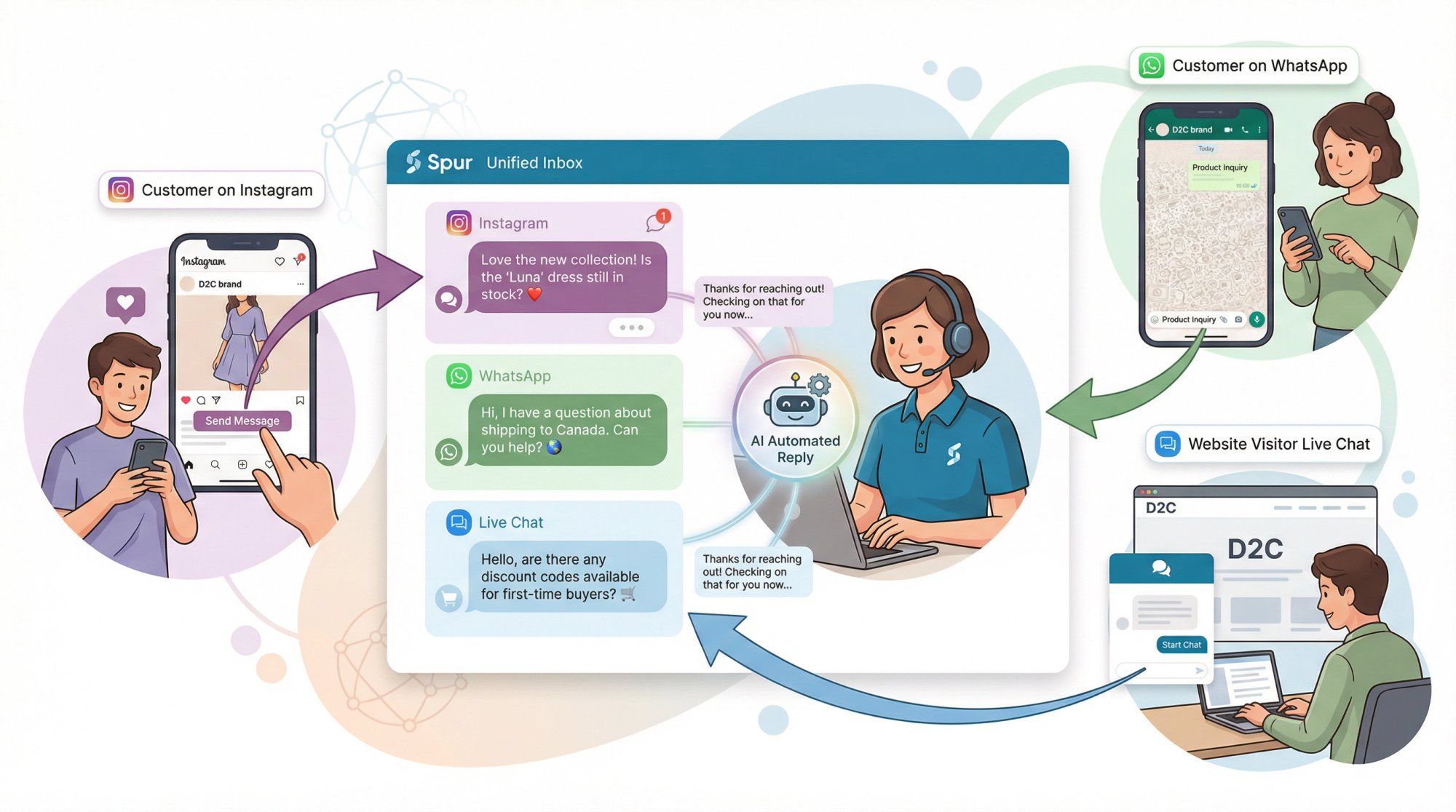
The unified inbox pulls in messages from WhatsApp chats, Instagram DMs and comments, Facebook messages, and your website's live chat widget. Everything in one place, with full context. No more jumping between platforms or losing track of conversation history.
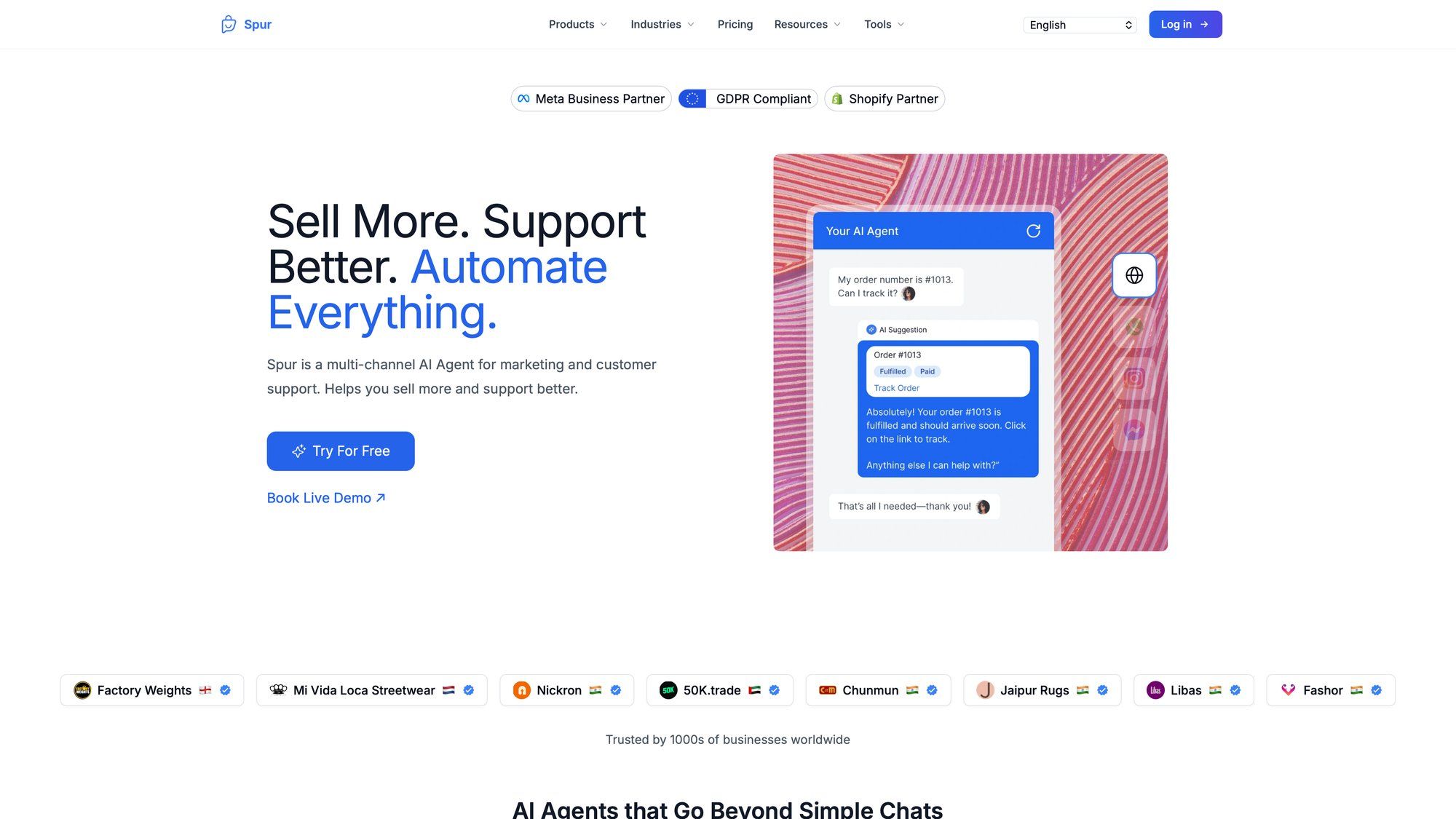
But the real differentiator is what Spur calls "Actionable AI." Most chatbots answer questions. Spur's AI agents connect to your backend systems and complete tasks. Track an order. Update a CRM field. Book an appointment. These aren't canned responses, they're actual integrations that resolve issues end-to-end. The AI handles routine queries autonomously and hands off to humans in a shared inbox with complete context.
The visual flow builder lets you create chatbot workflows without touching code. Mix AI steps with rule-based logic, set up smart routing based on confidence levels, and build guided conversations that adapt to user input. It's surprisingly powerful for a no-code tool.
E-commerce teams will appreciate the deep Shopify and WooCommerce integrations. Spur can automatically send WhatsApp order confirmations, shipping updates, and cart abandonment messages. Your chatbot can pull order status on the fly, so customers get instant answers instead of waiting for an agent to look things up.
Beyond support, Spur handles outbound engagement too. WhatsApp broadcasts, drip campaigns, Instagram click-to-DM ad flows. All with compliance features built in and a deliverability booster. For marketing teams, this consolidates tools and simplifies workflow.
Pricing makes sense. All plans include unlimited contacts, which is rare. The AI Start plan runs about $31/month annually and includes 2 agent seats, WhatsApp and Instagram channels, Shopify integration, and 25 automation flows. Even the entry AI Acquire plan at around $12/month supports Instagram automation and a live chat widget with one AI bot. Flat pricing means predictable costs as you scale contacts.
Best for: D2C brands, e-commerce businesses, and anyone who gets significant traffic on social channels. If your customers prefer messaging you on WhatsApp or Instagram over filling out website forms, Spur is built for exactly that use case. The no-code setup means lean teams can get value quickly without developer resources.
Keep in mind: Spur is a newer player (launched 2022). It's adding features rapidly but may not have the same depth in areas like advanced analytics or an extensive plugin marketplace yet. For niche needs like product tours or elaborate ticket hierarchies, it's still building those out. But for core messaging automation and AI support, it covers the bases thoroughly.
Intercom is often the first name that comes up when people search for Freshchat alternatives. It's a leading customer messaging platform with a strong reputation in the SaaS world.
Intercom excels at live chat and in-app messaging. You can proactively message user segments, trigger chats based on behavior, and embed product tours or banners. It's particularly strong for onboarding flows in web and mobile apps.
The bot capabilities are solid. Intercom's Resolution Bot and newer Fin AI can handle common queries and suggest help center articles. You can build custom bots to qualify leads or gather information before routing to an agent. The automation works well for both sales (capturing leads 24/7) and basic support.
For user tracking and analytics, Intercom shines. Every chat ties into user profiles with events and segmentation. This powers targeted messaging based on user behavior. If you value knowing exactly who you're talking to and sending contextual messages, Intercom does this better than most.
The downsides are significant though. WhatsApp and Instagram aren't native strengths. You'd need third-party integrations or workarounds for those channels. For businesses where social messaging matters, this is a big gap.
Pricing is on the higher end. Intercom Starter begins around $74/month, but many useful features require higher-tier plans or add-ons. Costs scale with your user base, and some teams get surprised by bills as they grow. It's powerful, but you pay for that power.
Best for: Product-focused companies, especially B2B SaaS, that want to blend marketing, sales, and support messaging in one platform. If in-app banners, proactive onboarding messages, and tight integration with app events matter more than social channel support, Intercom delivers.
Watch out for: Complexity and cost. Smaller businesses often find Intercom's learning curve and pricing prohibitive for what they actually use. And if WhatsApp or Instagram are key channels, you'll still need another tool.
If you're outgrowing Freshchat and need robust ticketing infrastructure, Zendesk deserves consideration.
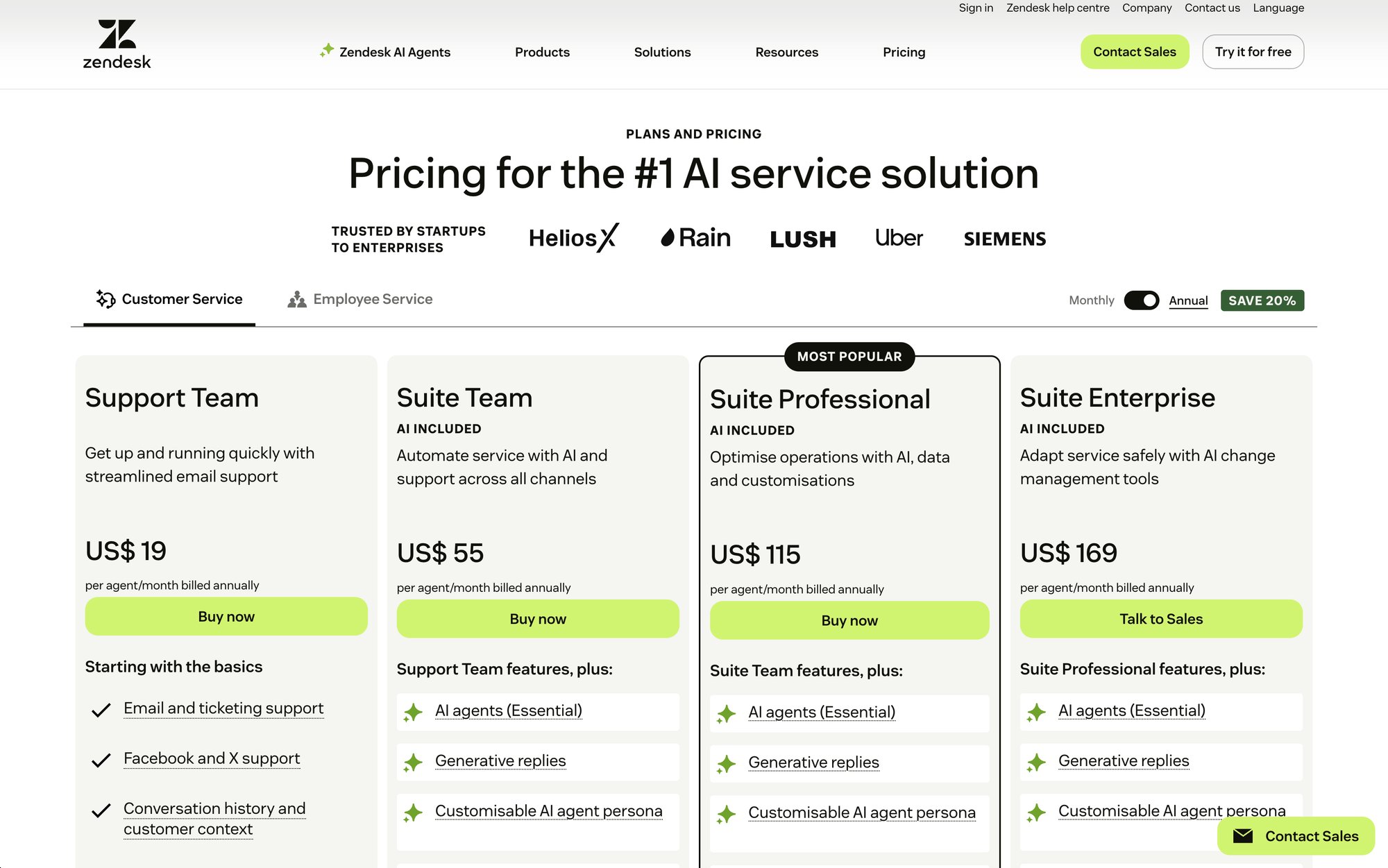
Zendesk Suite combines Support (tickets), Chat, Talk (phone), and Guide (knowledge base) into one comprehensive platform. It converts all incoming messages into structured tickets, enabling workflow automation, SLA management, and routing that Freshchat simply can't match.
The omnichannel capabilities are real. Agents handle emails, live chats, Facebook messages, and with the WhatsApp integration, WhatsApp chats too, all from a unified workspace. For high-volume support teams, this structured approach prevents issues from slipping through.
With over 1000 integrations available, Zendesk likely connects to whatever systems you're using. From Salesforce to JIRA, the integration ecosystem is mature and battle-tested.
Automation features include triggers, macros, and an Answer Bot that suggests knowledge base articles. Recent Zendesk AI add-ons leverage OpenAI for answer generation and conversation summarization, though these cost extra.
Zendesk Suite Pricing:
| Plan | Price/Agent/Month | Key Features |
|---|---|---|
| Suite Team | $49 | Basic ticketing, chat, email |
| Suite Professional | $99 | Advanced automation, SLAs, phone support |
| Suite Enterprise | Custom | Full customization, advanced analytics |
No free plan, but usually a 14-day trial. It's not cheap, but can be cost-effective if it replaces multiple tools.
Best for: Mid-to-large support teams with complex workflows. If you need tier 1/tier 2 agent structure, escalation policies, multiple channels including voice, and rock-solid reliability, Zendesk is purpose-built for that. Industries with large support operations find value in the depth and scalability.
Consider: For small businesses, Zendesk can be overkill. It's complex and requires configuration expertise. The interface feels dated in parts, and each agent license adds up. If you don't need heavy ticketing, lighter alternatives might suit you better.
Tidio has become popular with small businesses and e-commerce sites looking for an affordable, user-friendly alternative.
The platform combines a sleek live chat widget with easy chatbot flows in one interface. You can create bots that answer FAQs, collect emails, or offer discounts, with seamless handoff to human agents when needed. The visual builder is template-driven and beginner-friendly.
E-commerce integration is a strength. Direct plugins for Shopify, WooCommerce, and BigCommerce let agents see order data during chats. Tidio can even show what cart items a visitor has in real-time and proactively message users who haven't checked out. For online stores, these features reduce cart abandonment and improve support efficiency.
Tidio Pricing:
→ Free plan: Live chat for unlimited agents, limited chatbot triggers
→ Chatbots plan: Around $39/month flat rate
→ Communicator plan: Around $19/month flat rate
This pricing structure can be significantly cheaper than Freshchat for multi-person teams.
In 2024, Tidio introduced an AI "Lyro" chatbot using OpenAI, plus AI response suggestions for agents. It's keeping pace with the AI trend at an accessible level.
Best for: Small to mid-sized online businesses, especially e-commerce. If you run a Shopify store and need live chat with built-in bot capabilities and integrations, Tidio hits the sweet spot. Many startups choose it for quick value and ease of setup.
Limitations: Not designed for large enterprise support teams. It lacks the advanced ticketing or multi-department routing of bigger platforms. The chatbot logic is simpler than platforms with actionable AI. For very complex use cases, you might hit a ceiling. Also, channel support beyond web chat, email, and Messenger is limited.
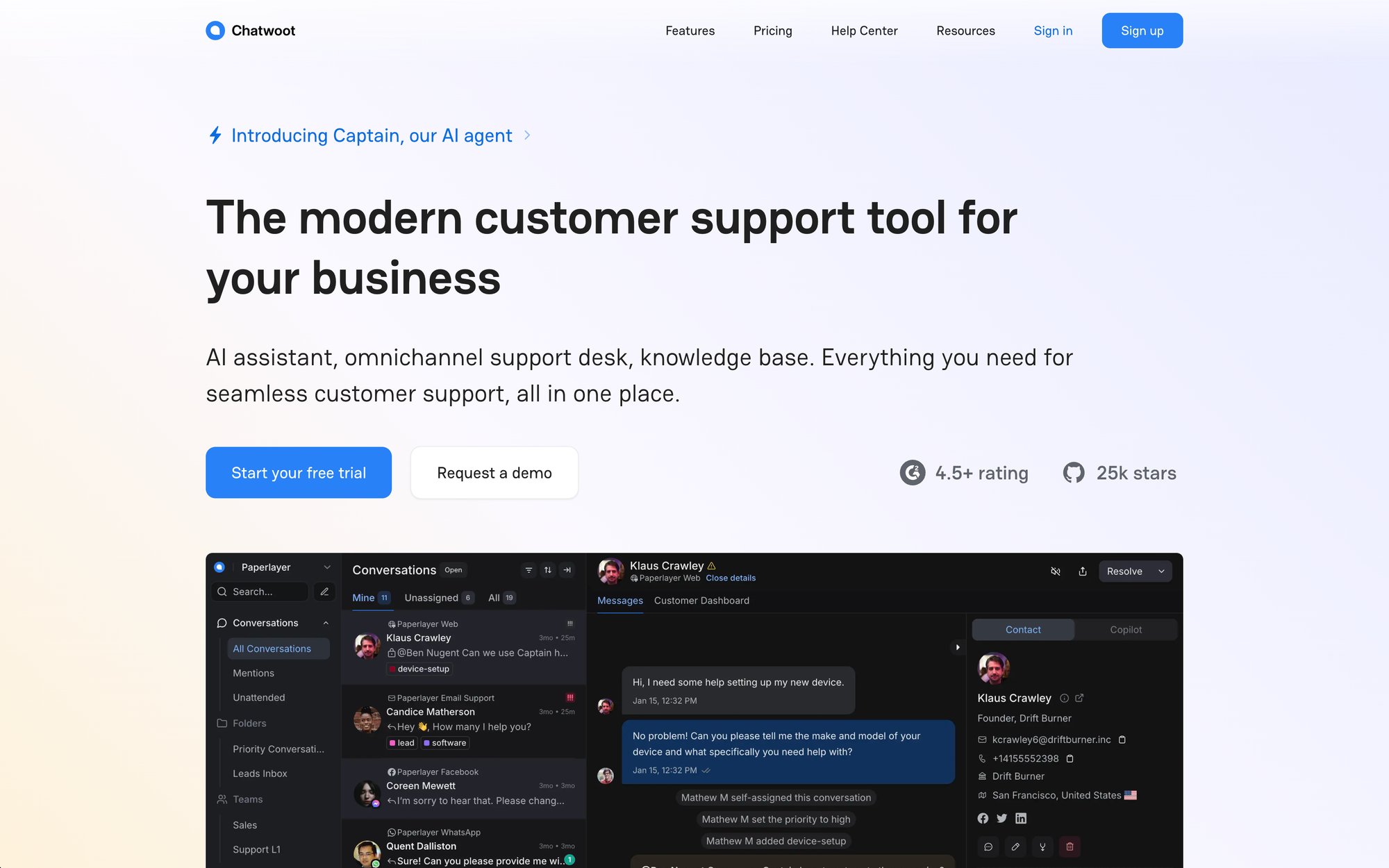
If you value data ownership and customization, Chatwoot offers something proprietary platforms can't: full control through open-source software.
Chatwoot provides a unified inbox for live chat, email, Facebook, Twitter, WhatsApp (via Twilio), Telegram, and more. It's comparable to Freshchat in channel breadth, even ahead in some areas like built-in WhatsApp integration.
Being open-source means you can customize the code, build unique integrations, or add features your business needs. If you have dev resources, this freedom is invaluable. You're not locked into a vendor's roadmap or feature priorities.
Features out of the box include:
① Private notes for internal team communication
② Automated assignment rules for smart routing
③ Basic bot integration (connects with Dialogflow or Rasa)
④ SDKs for mobile apps for custom implementations
It's surprisingly full-featured for an open project, though the UX isn't as polished as commercial tools.
Deployment options: Self-host for free (it's on GitHub), so cost is just your hosting infrastructure, or use Chatwoot's hosted version with paid plans starting around $19/agent/month.
Best for: Tech-savvy teams, startups on tight budgets, or organizations requiring data control. If you need to integrate deeply with internal systems or guarantee data residency, Chatwoot lets you own the solution completely.
Caveats: Open-source means less hand-holding. The UI is decent but not as slick as top commercial tools. New features depend on the community or your dev team. Advanced AI features aren't built-in. If you use their cloud hosting, some of the cost/control benefit diminishes. It's fantastic if you value freedom and flexibility over turnkey convenience.
BotPenguin positions itself as an AI chatbot platform that doubles as a live chat and omnichannel messaging tool, all at a price point smaller businesses can afford.
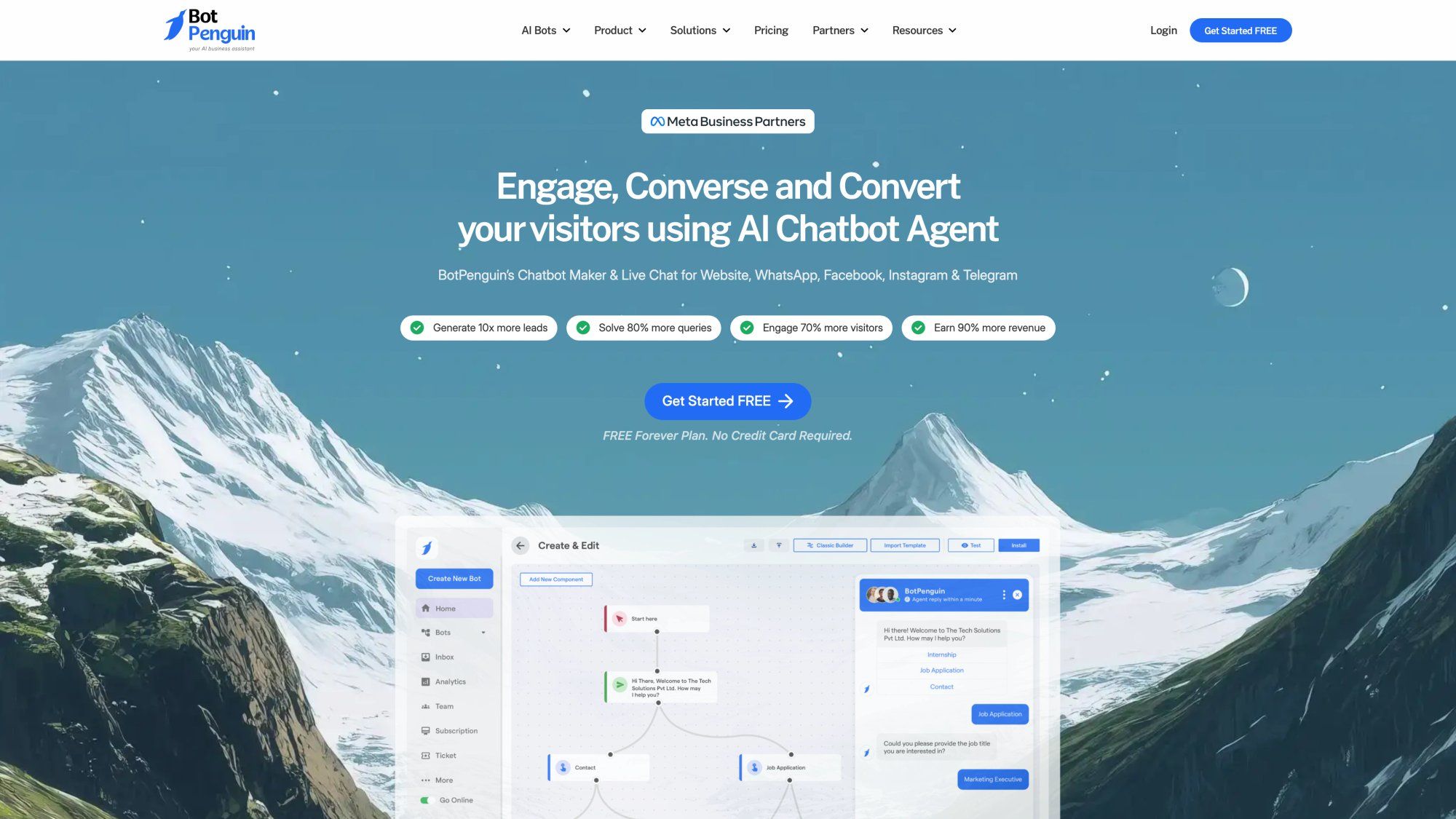
You can build chatbots for websites, Facebook Messenger, WhatsApp, Telegram, and other channels using a drag-and-drop builder and industry templates. These bots handle FAQs, qualify leads, book appointments, and hand off to human agents through a unified inbox when needed.
Key features include:
• 24/7 instant responses for customer queries
• Lead generation forms integrated into chat flows
• Calendar integrations for automated bookings
• 80+ third-party integrations via Zapier and webhooks
This breadth is impressive considering Freshchat's integration limitations.
The affordability angle is real. BotPenguin offers a free plan with basic chatbot and live chat functionality. Paid plans are among the most affordable options available, often under $50/month even for premium tiers. For budget-conscious teams, this is compelling.
Best for: Teams that prioritize AI automation and multi-channel reach without breaking the bank. If you get lots of repetitive inquiries across your website and social channels, BotPenguin can automate those interactions and save agent time. It's particularly good for businesses operating on WhatsApp or Instagram.
Considerations: As a newer tool, evaluate stability at scale. The platform might not have all the advanced analytics or polished UI of established players. For very complex support scenarios, you'll still need human intervention. Also, if you need full ticketing workflows, BotPenguin isn't designed for that. But as an inexpensive, AI-powered chat solution, it delivers strong value.
LiveChat (the product by LiveChat, Inc.) is one of the oldest and most widely used live chat platforms for websites.
The chat widget is known for clean design and customization. Features like message sneak peek (seeing what users type before they hit send) help agents respond faster. The interface is polished and performant across browser, desktop, and mobile.
With 200+ integrations covering CRM, CMS, e-commerce platforms, and more, LiveChat connects easily to your existing stack. One-click installs for Shopify, WordPress, HubSpot, Google Analytics, and Slack make setup straightforward.
Team management features include:
→ Reporting on chat volume, satisfaction, and agent performance
→ Agent groups and smart routing
→ Work scheduling and shift management
It focuses on real-time chat rather than full ticketing, but covers that scope thoroughly.
Pricing is per agent: Starter at $16/agent/month, Team around $33/agent/month, Business around $50/agent/month. No free plan, but 14-day trials are available. The pricing is fair for the stability and features delivered.
Best for: Companies wanting a dedicated, proven live chat solution that's easy to implement. If you don't need all the multi-channel complexity and just want excellent on-site chat, LiveChat is a safe choice used across retail, SaaS, and education.
Drawbacks: LiveChat on its own isn't an omni-channel support system. It doesn't handle social messaging or email natively. For unified inboxes covering Facebook, WhatsApp, and others, you'd need integrations or their separate help desk product. Since pricing is per agent, costs can rise with large teams.
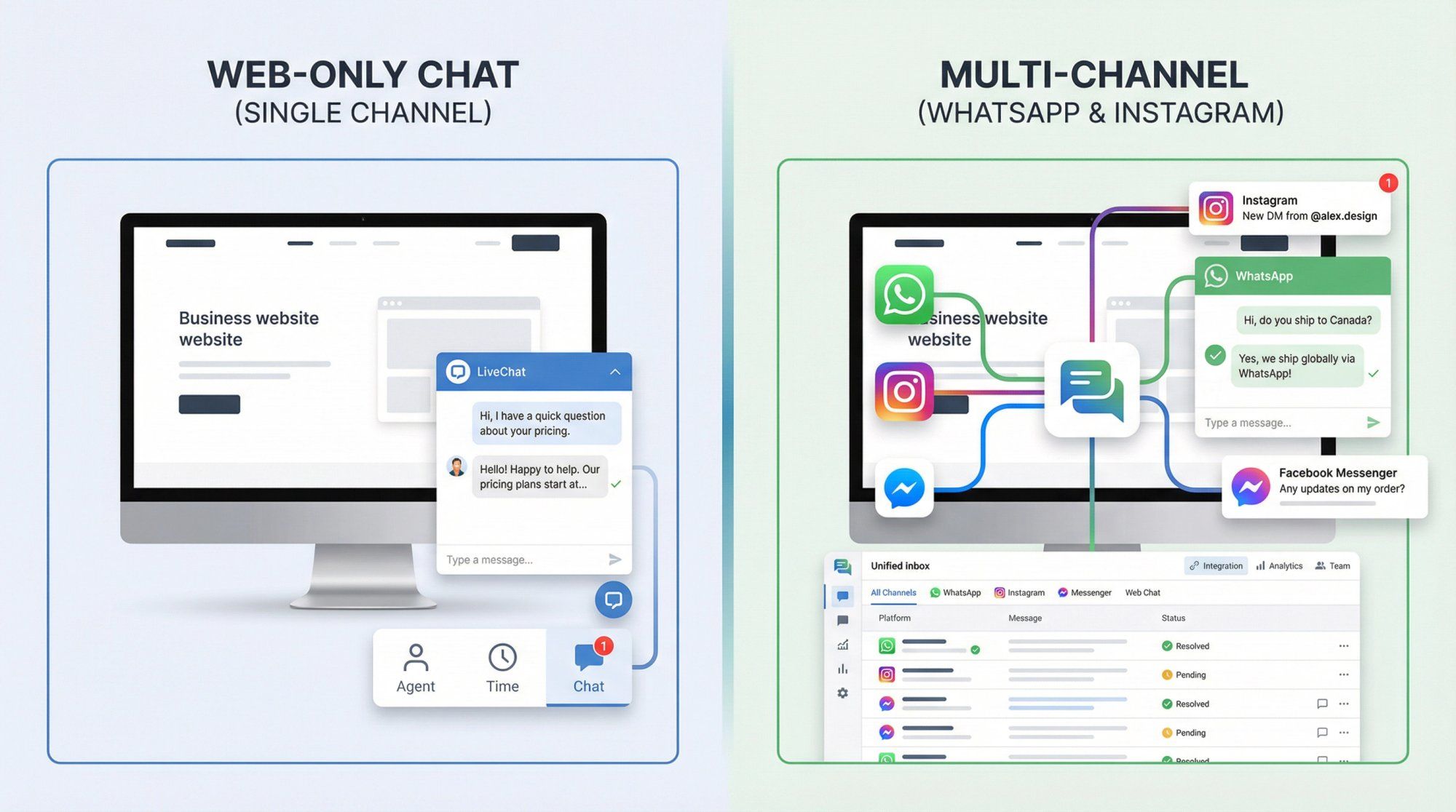
If WhatsApp is a primary channel for your business, DelightChat specializes in exactly that.
DelightChat creates a multi-agent WhatsApp inbox so your team can collaboratively handle a single WhatsApp number. Tag conversations, assign them, see who's replying. It feels like an email helpdesk but for WhatsApp chats, which Freshchat can't do natively without complex workarounds.
Beyond support, DelightChat enables WhatsApp automation and marketing:
• Set up auto-replies and chatbot flows
• Broadcast messages to contact lists
• Use proper template messaging for compliance
• Run WhatsApp marketing campaigns
For brands doing WhatsApp marketing, this consolidates support and campaigns in one tool.
E-commerce integrations with Shopify and WooCommerce are tight. Your team sees a WhatsApp user's past orders and order status right next to the conversation. One-click replies for sending tracking links or initiating returns streamline common workflows.
The drag-and-drop chatbot builder handles FAQs and lead capture on WhatsApp and Instagram without coding. Bots operate 24/7 and hand off to humans when needed.
Plans start around $49/month and scale with agents and contacts. While not the cheapest, remember it includes WhatsApp API access. For many, the ROI is justified by WhatsApp's high engagement rates.
Best for: D2C and e-commerce brands, particularly those selling via Instagram and WhatsApp. If your customer base prefers DMs and WhatsApp over website forms, DelightChat is tailored to those channels.
Be aware: Not a full helpdesk replacement. It won't handle complex email ticket systems. Very much a channel-specific solution. The chatbot is rule-based rather than advanced AI. And WhatsApp template message costs apply regardless of platform. But if those channels are critical, the convenience far outweighs the costs.
For businesses juggling many messaging channels at scale, respond.io provides a robust unified platform.
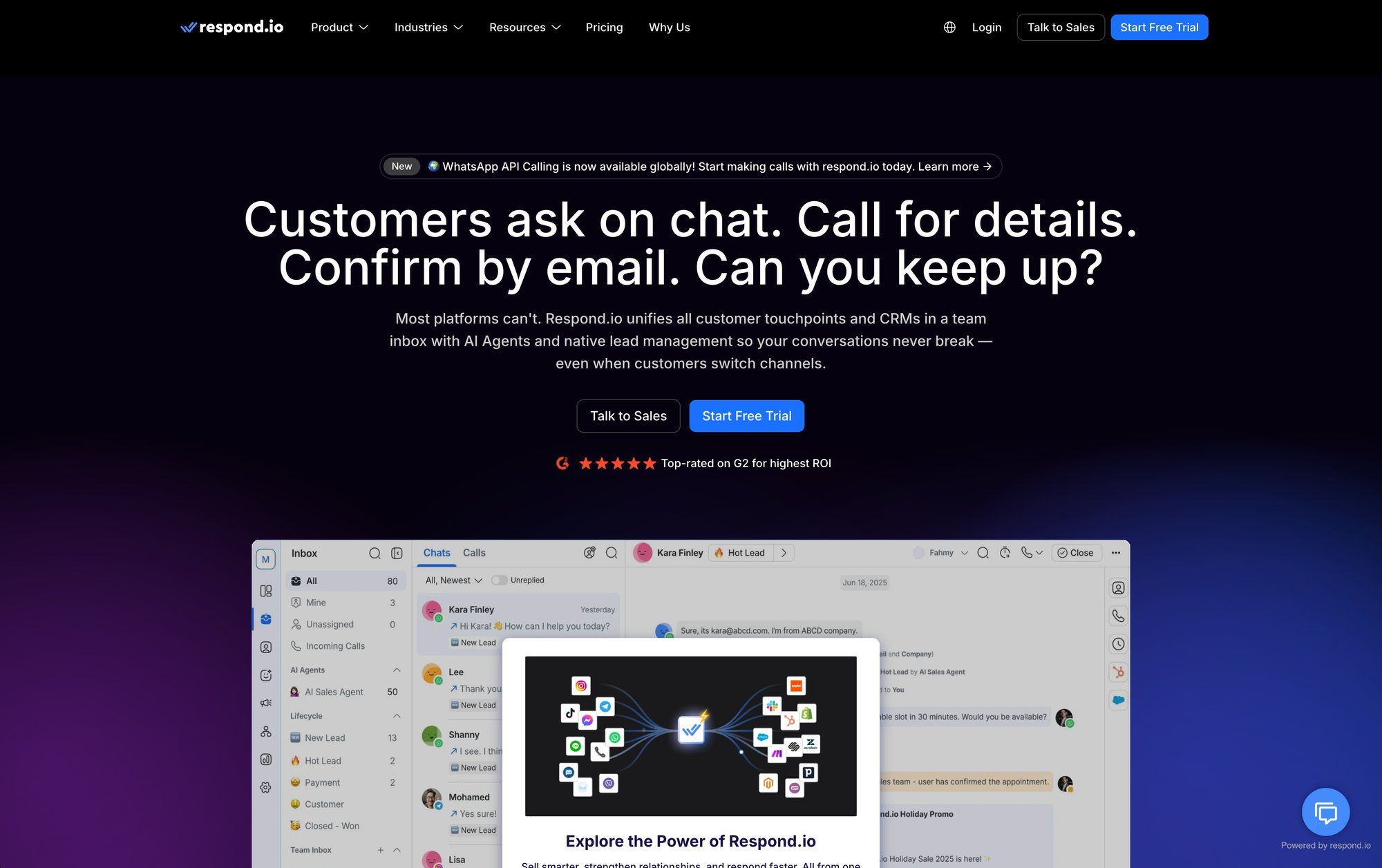
respond.io connects WhatsApp, WeChat, LINE, Telegram, Instagram, Messenger, SMS, and more into a single inbox. Agents have one login to respond across any channel, with normalized features so replies work similarly whether on WhatsApp or Telegram. For businesses getting inquiries from many sources, this centralization is invaluable.
Built for large teams, it supports:
① Multi-team routing and permissions
② Workflow automation and custom triggers
③ Auto-routing to appropriate teams
④ Out-of-hours auto-replies
Companies managing thousands of daily conversations rely on its scalability and reliability.
While respond.io doesn't have its own AI bot engine, it integrates easily with Dialogflow, Lex, and others. Rule-based automations are flexible, and developer-friendly extensibility means you can build custom integrations.
Analytics cover conversation volumes, agent performance, resolution times. A built-in contacts database provides light CRM functionality, and external CRM integrations are supported.
Pricing is business/enterprise oriented. The Business plan runs around $79/month for 5 users with unlimited contacts. For what it offers (true channel unification), the pricing is reasonable for mid-sized and large teams, but likely overkill for very small operations.
Best for: Companies with high messaging volume across multiple apps that need centralization. Expanding internationally where different regions use different chat apps? respond.io excels. Also great for businesses wanting to integrate messaging deeply with existing CRM or workflows.
Downsides: Powerful but potentially more than small businesses need. Learning curve to set up workflows and integrations properly. Doesn't come with its own AI, you need to plug in chatbots separately. Primarily focused on messaging channels, not email or voice. It's a supercharged messaging hub rather than a complete support suite.
Tawk.to deserves mention as one of the few 100% free live chat solutions available.
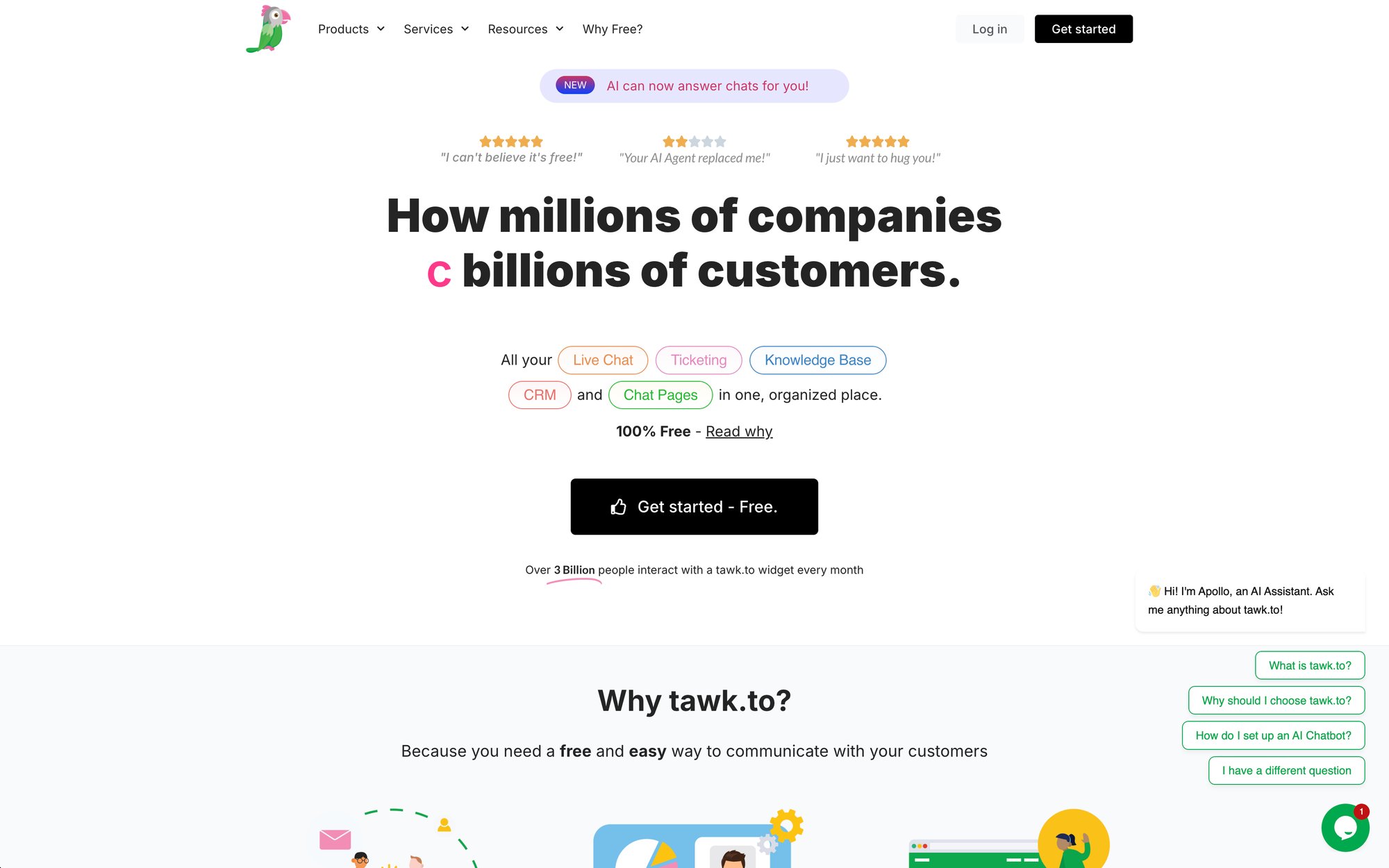
Tawk.to provides free live chat software with unlimited agents and unlimited chats. You get a website chat widget, agent dashboard (browser and mobile apps), and basic features like canned responses, file uploads, and offline forms. The business model is freemium: core software is free, they monetize through optional paid services like agent outsourcing or branding removal.
You can manage multiple websites in one account, making it popular for agencies or multi-brand companies. Each widget can be customized independently.
Integrations are basic (WordPress plugin, etc.), and it includes a simple knowledge base feature plus community forum module. Automation is minimal: automatic greetings and basic triggers, but no AI bot built in.
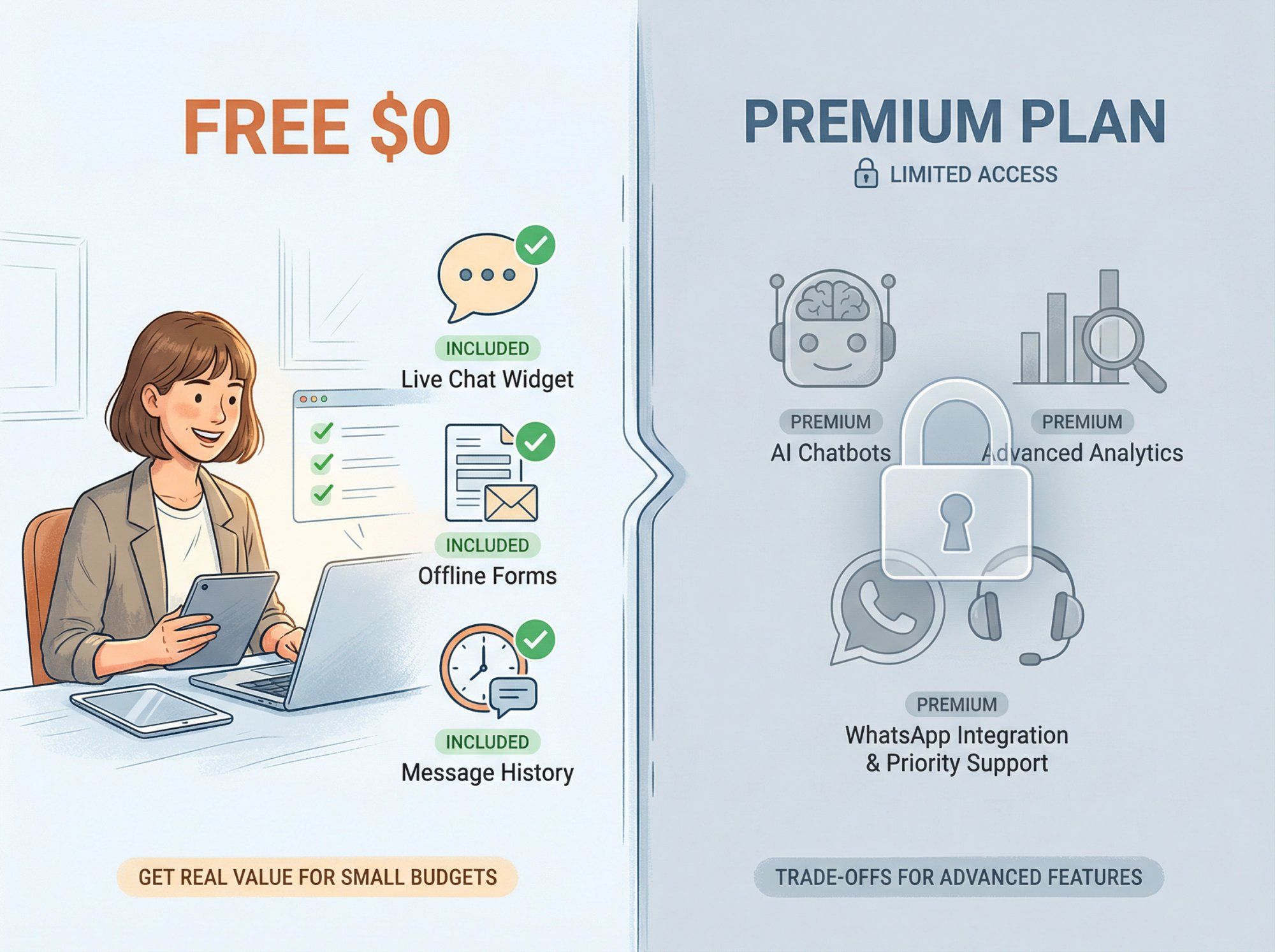
Being free comes with trade-offs. The widget has "Powered by Tawk.to" branding (removable for a small fee). No built-in social media or WhatsApp integration, it's largely for website chat. Advanced workflow features are lacking. But for many small businesses, it's perfectly sufficient for providing live help.
Performance is reliable. The interface isn't as modern as Freshchat, but considering the cost (zero), it's remarkably full-featured.
Best for: Those needing a free or ultra-low-cost live chat solution. Startups, hobby sites, non-profits, and small orgs with no software budget. Also useful as a temporary solution while transitioning from a paid tool.
Downsides: You get what you pay for. Tawk.to isn't as specialized or powerful as others on this list. No multi-channel support (aside from beta WhatsApp via Twilio requiring coding), no AI, limited analytics. Security-conscious enterprises might not be comfortable with a free cloud service. Support is community-driven unless you pay for their services.
What's the main reason businesses leave Freshchat?
Most teams leave because of channel limitations and integration constraints. Freshchat works fine for website chat, but if your customers live on WhatsApp and Instagram, you'll hit walls quickly. The Freshworks-centric integrations also frustrate teams using other CRMs or e-commerce platforms. Add in the per-agent pricing that scales awkwardly, and many businesses find better value elsewhere.
Which Freshchat alternative is best for e-commerce?
For e-commerce, look at Spur (strong on social channels and Shopify integration), Tidio (affordable with cart abandonment features), or DelightChat (if WhatsApp is critical). All three understand e-commerce workflows and offer features like order tracking in chat and automated cart recovery that Freshchat doesn't handle natively.
Can I get better AI automation than Freshchat's Freddy AI?
Absolutely. Spur's Actionable AI can actually complete tasks like tracking orders or booking appointments, not just answer questions. BotPenguin offers AI-powered bots at lower price points. Intercom's Fin provides strong conversation AI for SaaS use cases. The AI landscape has evolved significantly, and Freshchat's automation feels dated in comparison.
Are there free Freshchat alternatives?
Yes. Tawk.to is completely free with unlimited agents and chats. BotPenguin has a free plan. Tidio offers a free tier with some limitations. Chatwoot is open-source and free to self-host. These won't match Freshchat feature-for-feature, but for basic live chat needs, they're viable zero-cost options.
Which alternative is best for WhatsApp Business?
Spur, DelightChat, and respond.io all offer native WhatsApp Business API support. Spur excels at combining WhatsApp with Instagram and web chat in one platform. DelightChat is purpose-built for WhatsApp commerce. respond.io handles WhatsApp alongside many other messaging apps. All three are superior to Freshchat for WhatsApp-heavy businesses.
What's the easiest Freshchat alternative to set up?
Tidio and Tawk.to are known for quick, painless setup. Both can be running on your website in minutes with minimal configuration. Spur is also designed for no-code setup, making it accessible for lean teams. If ease of implementation is your priority, these three minimize the learning curve.
Do any alternatives offer flat-rate pricing instead of per-agent?
Yes. Spur's pricing is flat with unlimited contacts. Tidio charges flat monthly rates. respond.io prices by user blocks rather than strict per-agent. These models can be much more economical than Freshchat's per-agent structure as your team grows.
Can I migrate my data from Freshchat to another platform?
Most platforms support CSV import for contacts and conversation history. The process varies by platform, but you can usually export your Freshchat data and import it into your new tool. Some alternatives offer migration assistance. Check with your chosen platform's support team about specific migration paths from Freshchat.
The right Freshchat alternative depends on where Freshchat fell short for you.
If WhatsApp and Instagram matter, Spur or DelightChat give you purpose-built social messaging platforms that Freshchat never will.
If you're scaling up support operations and need structured ticketing, Zendesk or Freshdesk (ironically, Freshworks' own alternative) provide the enterprise infrastructure.
If budget is tight, Tidio, BotPenguin, and Tawk.to deliver solid functionality at price points that make sense for smaller teams.
If data control or customization drive your decision, Chatwoot's open-source approach offers freedom proprietary platforms can't match.
The bottom line: The customer messaging landscape in 2025 has matured to the point where you don't have to settle. Take advantage of free trials. Get hands-on with the platforms that look promising. Test how the chat widget feels, how the agent console handles your typical volume, how responsive their support is.
Most importantly, put your customers' preferred channels at the center of the decision. If they're messaging you on social platforms, choose tools built for that. If they prefer email and web chat, lean towards those strengths. The best alternative is the one that meets your customers where they actually are.