Key takeaways
See the image you're replying to right in the compose area. Full context, zero tab-switching.
Ask an AI about this article
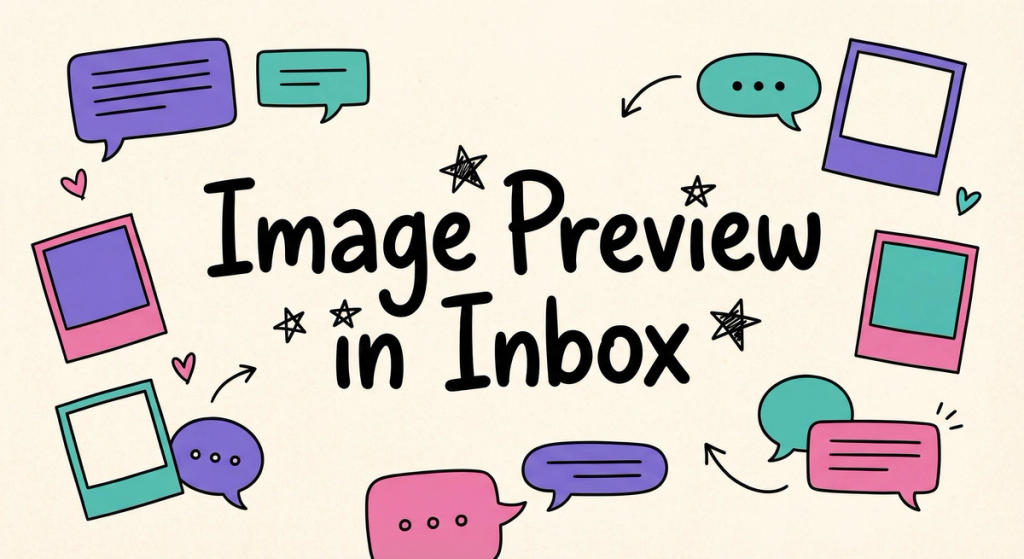
When you reply to an image message in the inbox, you now see a thumbnail of that image in your compose area. No more scrolling up or switching tabs to remember what the customer sent.
This keeps you in flow when handling multiple conversations — especially useful for support teams dealing with product photos, screenshots, or any visual context that needs a quick, accurate response.
Was this article useful?